Change the Status of a Snapshot in the Project Status Snapshots Tool
Background
Users with access to the Project Status Snapshots tool can change the status of any project status snapshot. Status changes are also reflected in the Budget tool for the corresponding snapshot. This is useful to teams using snapshots for their official budget review process.
Things to Consider
Required User Permissions
Steps
Beta
Custom statuses for project status snapshots are available for the Budget and Project Status Snapshots tools. To enable this feature for all projects and users in your company account, join the Create Custom Statuses For Project Status Snapshots beta program through Procore Explore.
Navigate to the Company level Project Status Snapshots tool.
Locate the project status snapshot in the table.
Click the snapshot's Status cell and choose a standard status (Under Review or Approved).
 Click the snapshot's Status cell and select a custom status. For details on how to create a custom status, see Create a Custom Status for Project Status Snapshots.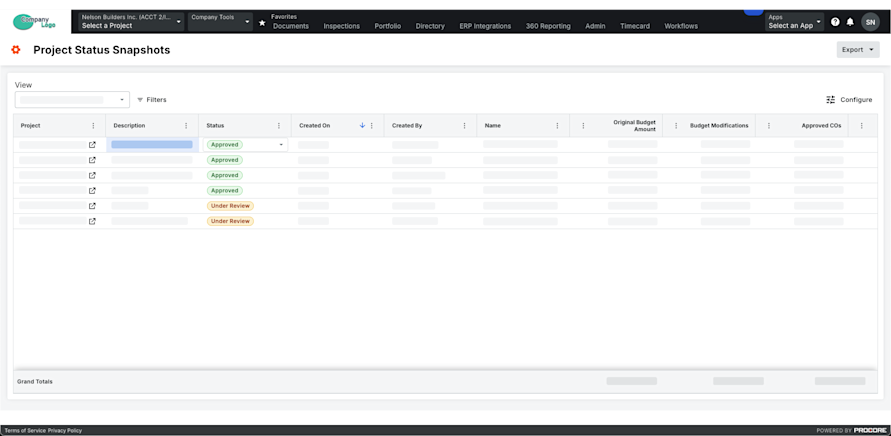
This updates the snapshot status at both the company and project levels.