Search and Filter Workflow Templates
Things to Consider
Required User Permissions:
'Read Only' level permissions or higher on the Company Level Workflows tool.
Additional Information:
The search tool respects any selected filter parameters and only searches for items within the filtered results.
Steps
Search for Workflow Templates
Add Filters
Configure Table Settings
Search for Workflow Templates
Navigate to the Company Level Workflows tool.
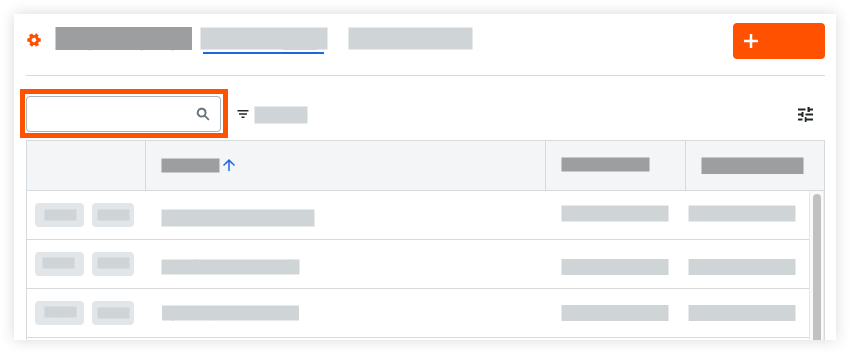
Enter a word or phrase in the search bar at the top of the page.
Add Filters
Navigate to the Company Level Workflows tool.
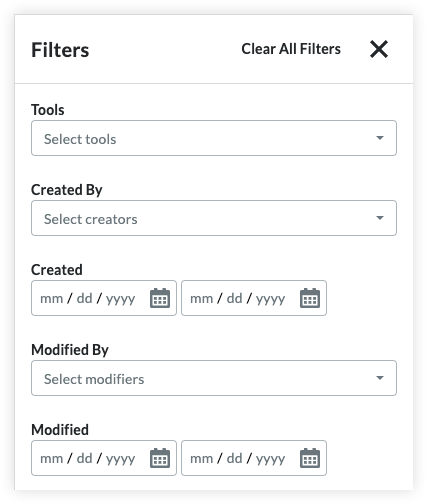
Select one or more of the available filters from the
 Filters menu:
Tools
Created By
Created Date
Modified By
Modified Date
Configure Table Settings
Navigate to the Company Level Workflows tool.
Click the Table Settings icon
 .
.
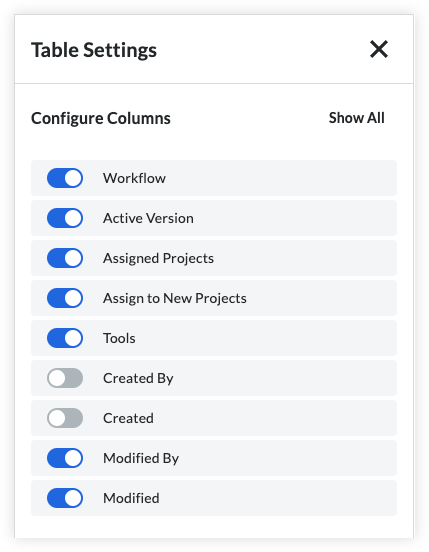
Select which columns to show or hide:Workflow
Active Version
Assigned Projects
Assigned to New Projects
Tools
Created By
Created (Date)
Modified By
Modified (Date)
See Also
Loading related articles...