View My Time Entries (iOS)
Things to Consider
Procore automatically syncs your My Time entries across the Daily Log, Company Timecard, Project and Company Timesheets tools.
Esse ativo ou item pode ser visualizado ou editado no modo offline se tiver sido visualizado anteriormente e armazenado em cache em seu dispositivo móvel. As tarefas executadas no modo offline são sincronizadas com o Procore assim que a conexão de rede é restabelecida.
Prerequisites
To see My Time as an option on your project, you must be marked as an employee of your company.
Steps
Navigate to the My Time tool using the Procore app on an iOS mobile device.
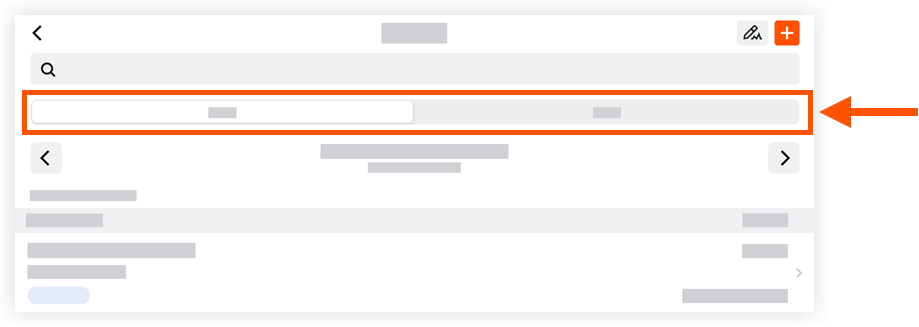
Tap one of the following tabs:
Day. Displays your My Time entries for the date selected.
Work Week. Displays your My Time entries for the work week selected.
Locate and tap a timecard entry to view more details.
See Also
Loading related articles...