Enable Disbursements
Background
The disbursements feature is automatically enabled during Procore Pay implementation. After the initial implementation, only a In Procore Pay, a Payments Admin is a designated Procore user who administers the Company level Payments tool for that company's Procore account. Typically, one (1) or a small number of trusted users are designated to perform the tasks associated with this role.
Things to Consider
Prerequisites
Steps
Navigate to the Company level Payments tool.
Click the Configure Settings
 icon.
icon.Click the Payment Processing tab.
Click Advanced Settings.
On the Advanced Settings page, review the informational statement under Enable Disbursements.
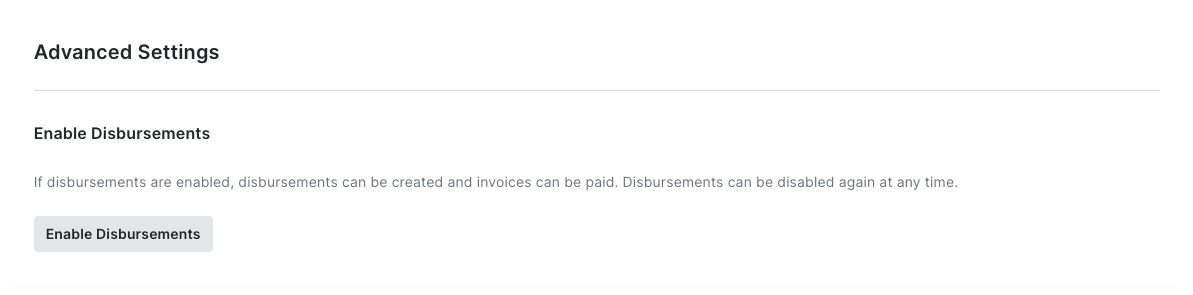
Click the Enable Disbursements button.
Once enabled:A GREEN success banner appears to confirm your action.
Your company's Payments Disbursers can now create new disbursements in the Company level Payments tool.
See Also
Loading related articles...