Create Templates
Navigate to the Company level Admin tool.
Under Tool Settings, choose the option available in your project:
Click the Contracts tab.
ORIf you have the Change Management tools enabled, click the Contracts and Change Orders tab.
Click the Compliance Templates tab.
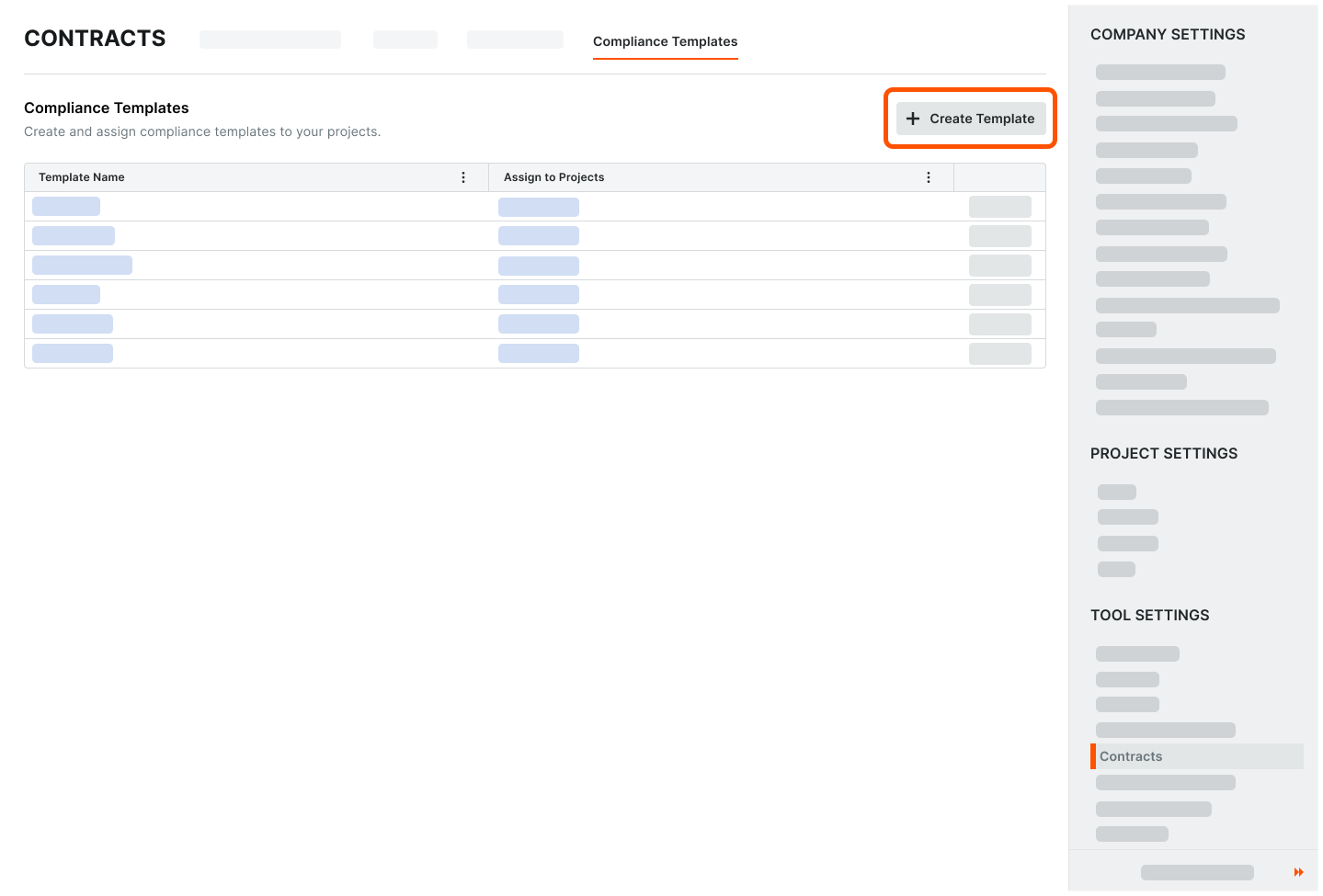
Click Create Template.
This opens the Create Template prompt.In the Create Template prompt enter a unique name in the Template Name box.
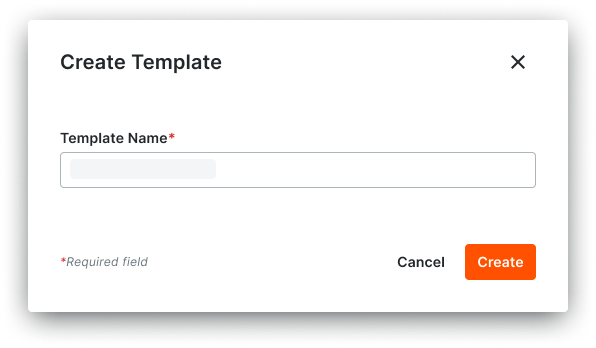
Click Create.
The template opens on a new page. The General tab is active.