Set Current Project
Background
You can assign equipment to multiple projects and track which one currently has the equipment 'onsite'.
Tip
To see all projects equipment is assigned to, see View Equipment Project Assignments.
You can assign equipment to multiple projects and track which one currently has the equipment 'onsite'.
To see all projects equipment is assigned to, see View Equipment Project Assignments.
Company Level Required User Permissions
Project Level Required User Permissions
If equipment is checked in for a project from the field, the current project is automatically updated. See Check In Project Equipment (iOS) or Check in Project Equipment (Android).
For accounts without telematics, equipment marked 'On Site' reflects the project's address on the Company Equipment map.
Set a Single Record
Bulk Set Equipment
Navigate to the Company or Project level Equipment tool.
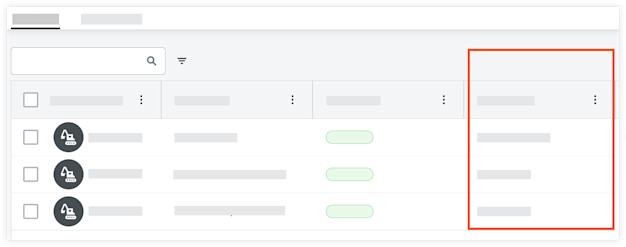
Inline, click the field in 'Onsite' column.
Company Level
Select the project to mark the equipment onsite, or click the X to remove it from onsite.
Project Level
Select Yes or No to indicate if equipment is onsite.
Navigate to the Company or Project level Equipment tool.
Mark the checkboxes for the equipment you want to assign.
Mark equipment onsite accordingly:
Company Level
Click Add to Projects.
Select the projects.
Optional: For each project, move the toggle  ON if the equipment has arrived onsite.
Click Add.
Project Level
Click the Onsite drop-down menu and select Yes or No.