添加工人
背景
对于使用 Procore 的资源跟踪工具的项目,你可以将工人添加到项目的工作小组工具中。你在此处添加的工人在工作小组和考勤表工具中使用。将工人添加到 Procore 时,该工人的记录也会作为联系人添加到 Project Direct 和公司目录的"联系人"标签页中。
需要考虑的事项
Worker records are added to the Project and Company level Directory tools in the 'Contacts' tab.
Worker records can be edited in the Project level Crews or Directory tools or in the Company Directory.
Worker records must be unique. If you have two or more workers with identical names, you can make any of the following updates to create a unique record:
Add a unique Employee ID for each worker. (Recommended)
Enter a middle initial or name after the first name.
先决条件
将工作小组工具添加到项目中。请参阅添加和移除项目工具。
步骤
导航到项目的工作小组工具。
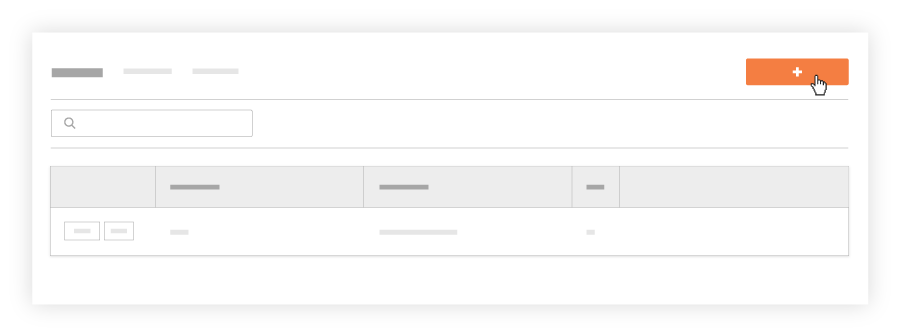
点击创建并从下拉列表中选择添加工人。
在"添加工人"窗口中,执行以下操作:
注意事项如果有两(2)个或更多工人同名,则工作小组工具将不允许你创建重复的工人条目。你有以下选择:
为每个工人添加唯一的员工 ID (推荐)
在名字后输入中间名首字母或中间名。
为每个工人输入唯一名称,例如外号。
名字:开始输入工人的名字。如果你之前添加过工人,则会显示可能匹配的名称列表。你可以选择正确的匹配项或键入全名。
姓氏:开始输入工人的姓氏。如果你之前添加过工人,则会显示可能匹配的名称列表。你可以选择正确的匹配项或键入全名。
可选:员工 ID 。在此列表中输入工人的员工 ID 。
可选:工种:从下拉列表中选择工种。要了解哪些 Procore 工具与工种交互,请参阅哪些 Procore 工具支持"工种"?
点击添加。
需要更新工人记录?之后可以使用以下工具编辑工人:
项目工作小组。请参阅编辑工人
项目目录。请参阅在项目目录中编辑联系人。