Search and Sort Models
Things to Consider
Steps
Navigate to the project's Models tool.
In the Search by Name box, type a keyword or phrase.
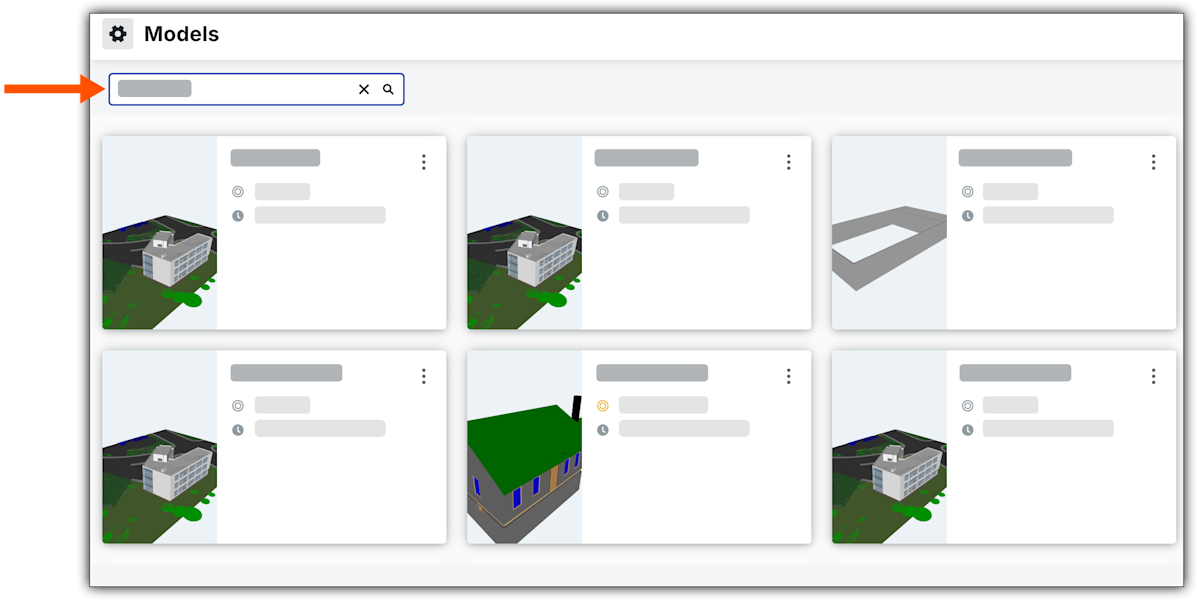
Initiate the search by clicking the
 icon or pressing the ENTER key.
See Also
Loading related articles...
Navigate to the project's Models tool.
In the Search by Name box, type a keyword or phrase.
Initiate the search by clicking the icon or pressing the ENTER key.
Loading related articles...