Delete a My Time Entry (iOS)
Things to Consider
Procore automatically syncs your My Time entries across the Daily Log, Company Timecard, Project and Company Timesheets tools.
如果此资产或项目之前在你的移动设备上进行查看和缓存,则可以在离线模式下查看或编辑。重新建立网络连接后,在离线模式下执行的任务会与 Procore同步。
Prerequisites
To see My Time as an option on your project, you must be marked as an employee of your company.
Steps
Open the Procore App on an iOS mobile device and select a project.
Navigate to the My Time tool.
Tap the entry you would like to delete.
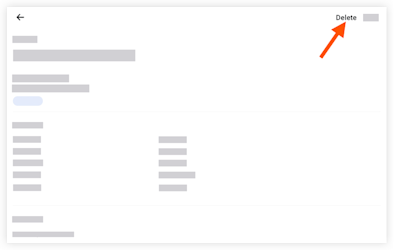
Tap Delete.
Tap Delete to confirm.
See Also
Loading related articles...