查看资源分配(iOS) (3)
测试版
移动设备上的资源规划处于测试阶段,可供启用项目同步的客户使用。请参阅什么是资源计划的数据同步?
移动设备上的资源规划处于测试阶段,可供启用项目同步的客户使用。请参阅什么是资源计划的数据同步?
Note: Currently, users must have the 'Edit / Delete Others Requests' granular permission to see requests on the mobile app.
Project syncing is required to see assignments on the Procore mobile app. See What is Data Syncing for Resource Planning?
If you cannot see the Resource Planning tool on the mobile app, please contact support.
查看我在所有项目中的分配
查看特定项目的分配
在 iOS 移动设备上打开Procore应用程序。
点击你的头像。 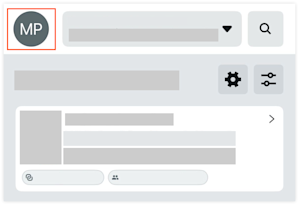
点击我的分配。
点击分配以查看详细信息。
在 iOS 移动设备上打开Procore应用并选择一个项目。
点击资源计划工具以查看项目的所有分配。
可选:点击箭头或日历视图以查看另一个日期的分配。
点击分配以查看详细信息。
Loading related articles...