View a Bid Form
Navigate to the project's Bidding tool.
Click the name of the relevant bid package.
Click the relevant bid form name.
ORClick the Bid Forms dropdown menu.
Select View Bid Forms.
All bid forms are shown in the left side panel.
Click a bid form to view it.
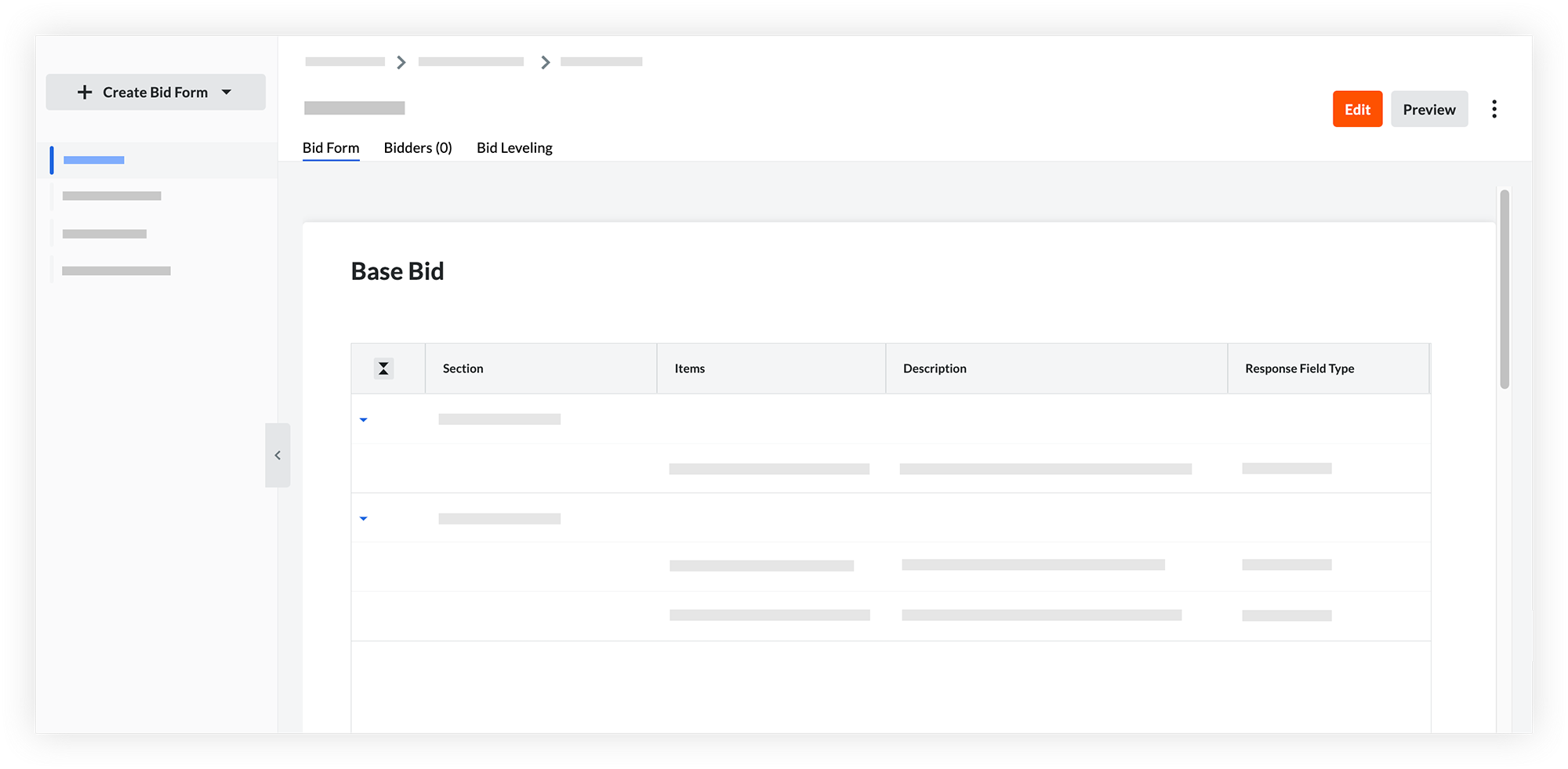
Use the following tabs to track and organize your bid form activity:
Bid Form: View, create, or update bid form information.
Bidders: Monitor subcontractor invitation statuses, track bid submissions, and view general bidder information.
Bid Leveling: Compare submitted costs side-by-side to review line items, analyze variances, and choose the right subcontractor for the project.
