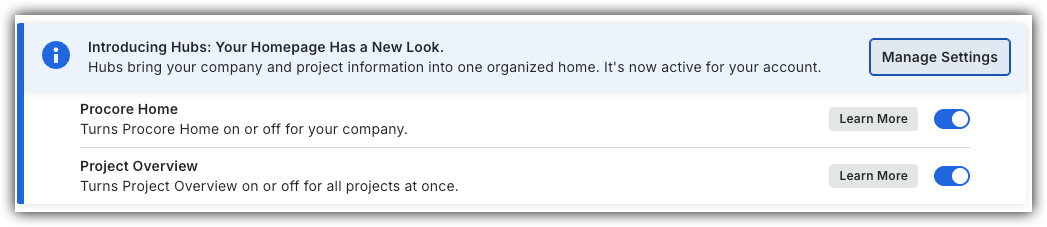
To return to the legacy Project Home, Company Administrators can navigate to the Company Portfolio / ProcoreHome tool, click Manage Settings and toggle Project OverviewOFF.
However, later this year it will be sunset and will no longer be available. If your company reverted to the legacy Project Home experience, Company Administrators can re-enable the Project Overview by switching Project Overview toggle ON.
Navigating Procore - Legacy
Navigating Procore
Navigating Procore (Mobile)
Tool-specific videos coming soon!
Please visit our Video Library for the complete set of available videos.
 OFF.
OFF.
 ON.
ON.