Can I bulk enable the Assets tool across multiple projects at once?
Answer
No. The Assets tool is enabled on a per-project basis. Bulk enablement across many projects at once is not currently available through standard Project Admin controls.
To enable the Assets tool follow the below steps, by moving the Assets toggle  ON.
ON.
Navigate to the project's Admin tool.
Under 'Project Settings', click Active Tools.
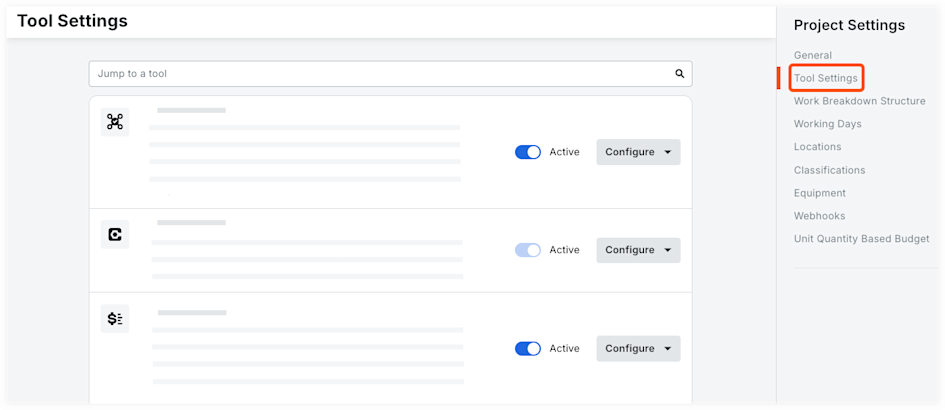
Mark the tickboxes next to the tools you want active and available on the project.
Note: You can mark the tickbox next to 'Select All' to select all tools available for the account or next to a product category to select all tools in a category. Clicking the tickbox again will deselect all tools.Clear the tickboxes next to any tools you do not want available on the project.
Optional: Click and drag a tool to a new sequence to rearrange how tools appear on the Project Tools menu for all project users.
Click Update.
See Also
Loading related articles...