Overview
Locations give you the ability to link different Procore items (e.g., RFIs, submittals and more) to specific locations on a job site. This helps project team members to identify the exact location(s) on a job site where a defect was observed, where materials are to be installed or where a project variation occurred.
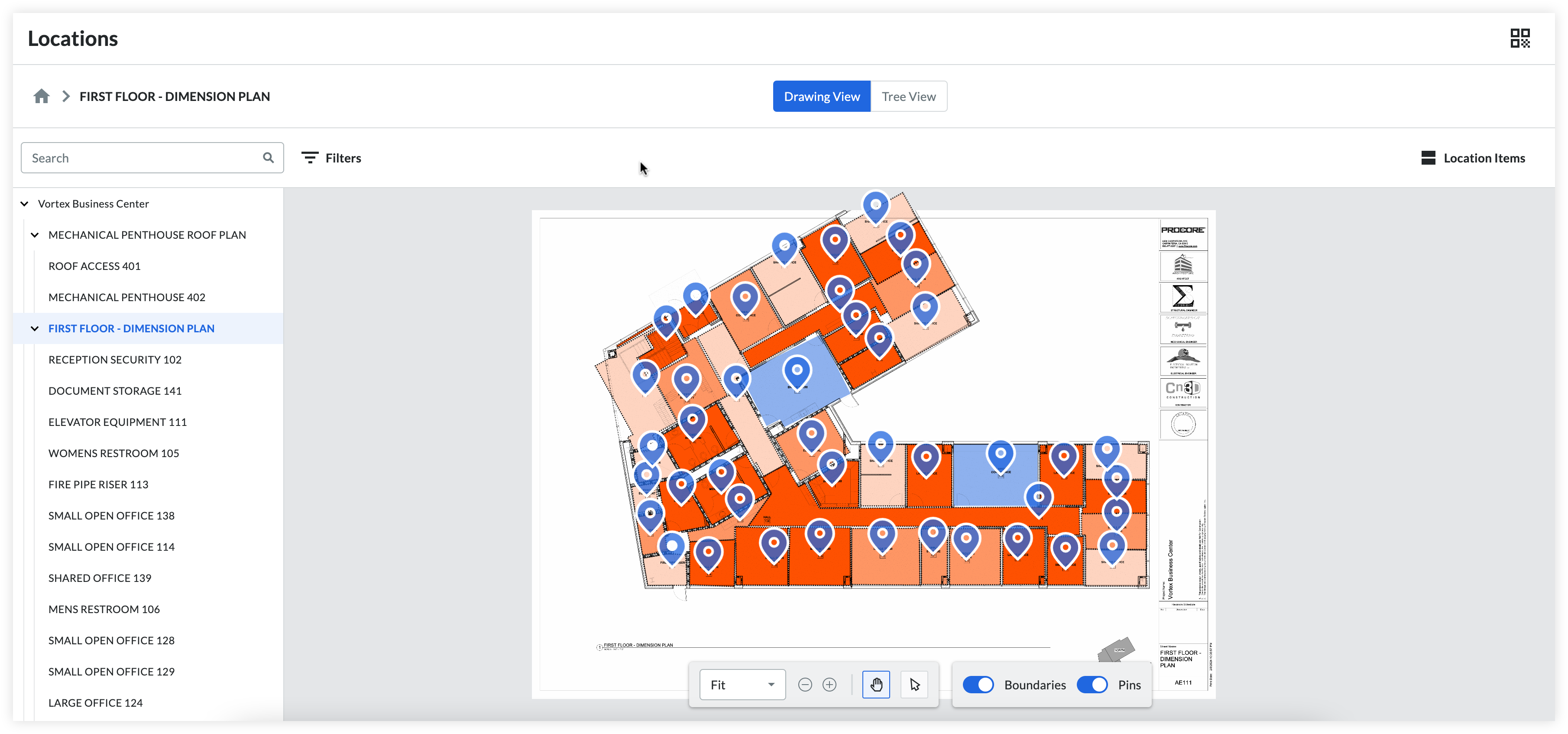
Historically, you could manually create or import your location. These options are still available. A new enhanced location experience is designed to leverage the latest AI technology to automatically generate a location hierarchy based on your project's architectural drawings.
You can view locations in the locations screen throughout the life of your project to easily see and access items associated with each location. Locations are accessible through the Project level admin and Drawings tools.