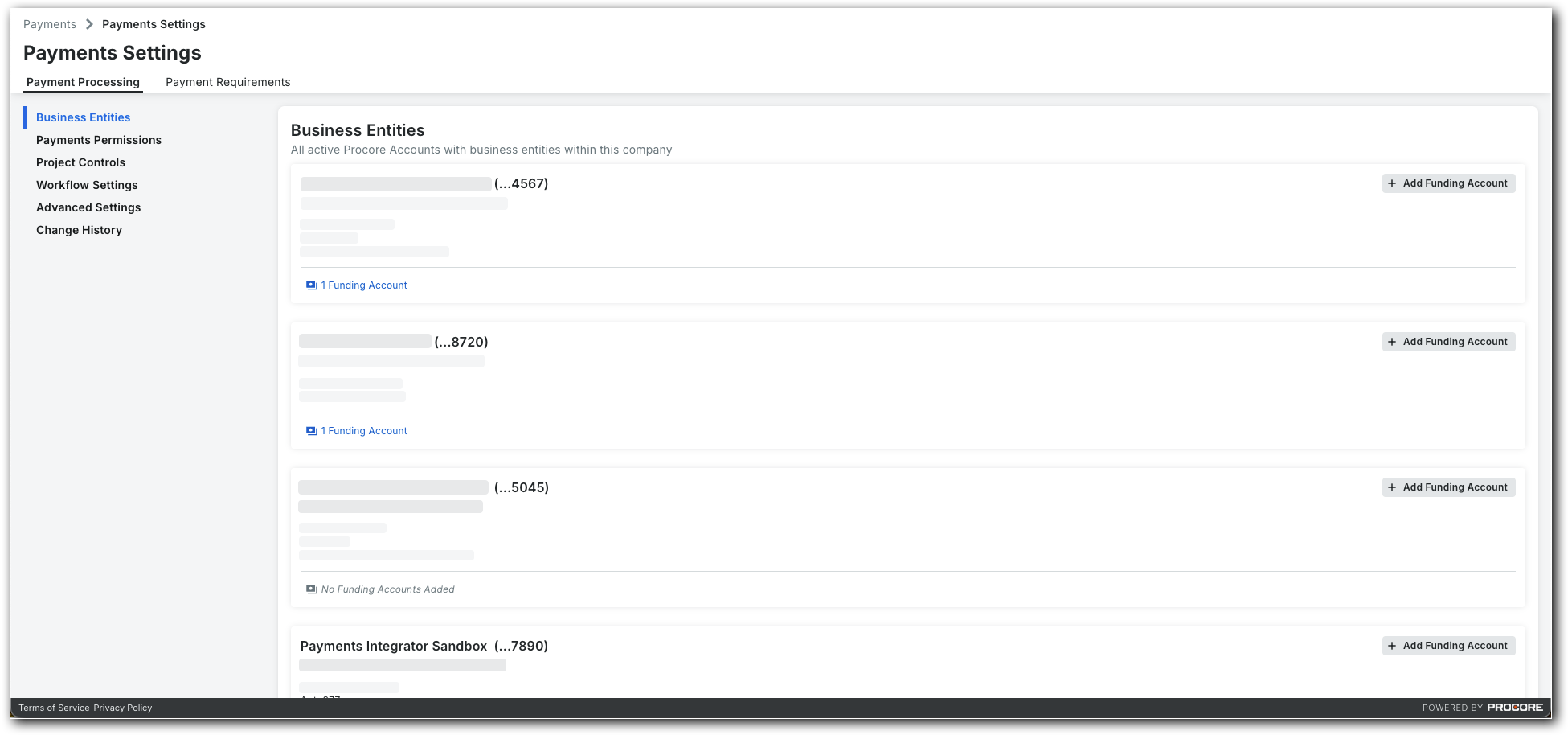
Tab overview
The payment setting page lets payors control how the payment processing features work for Procore Pay. To get there, a payment admin clicks the Configure setting  icon in the payment tool. You'll see two (2) tabs: 'payment processing' and 'payment requirements.' This guide details sub-pages and controls in the payment processing tab.
Payment processing tab
Payments admins use these sub-pages and their corresponding controls to manage the payment processing settings for your company's Procore Pay environment.