Installing the Procore Analytics embedded app
Installing the Procore Analytics embedded application
Use the following steps to install the Procore Analytics Embedded application.
Log in to the Procore web application and select the company in which you want to install the Procore Analytics Embedded application.
Click the
 icon to open Procore's App Marketplace.
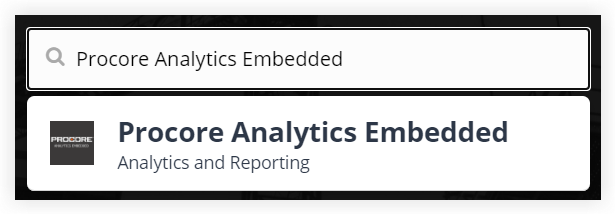
Type Procore Analytics Embedded in the search bar and click the option for Procore Analytics Embedded.
Click the Install application button.
TipIf you see Learn how instead of Install application, your user account may not have the appropriate permissions to install applications from the App Marketplace. See Install an application from the App Marketplace.
Click Install in the 'Install application?' window.
You are redirected to the 'Application management' page in the Company level Admin tool.