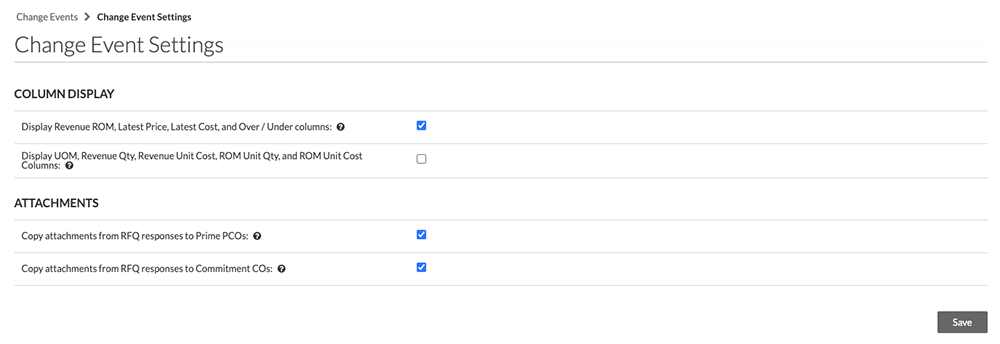
Enable/disable the unit-based columns on the change event tool
Background
When creating a new project, you have the option to enable the change events tool's column display setting for the unit-based columns. This setting is located in the change event tool's configure setting page and is turned OFF on new project by default. If you want these columns to appear in your project's change events tool, you must turn the setting ON. It is recommended that you turn these columns ON at the beginning of a project, before you start creating new change events.
Tip
To learn the specifics about the 'Column display' setting in the change event tool, see How do the change event tool's column display setting work?
 icon.