Edit quantity on a timesheet (Android)
Things to Consider
Prerequisites
Steps
Navigate to the project's Timesheet tool using the Procore application on an Android mobile device.
Select the date containing the timesheet and quantity you want to edit.
Tap the timesheet containing the quantity you want to edit.
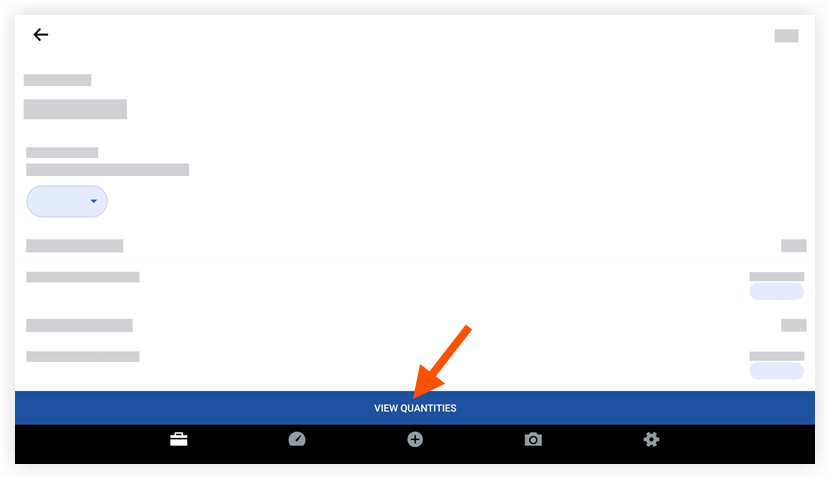
Tap View quantity.
Tap Edit.
Tap the quantity you want to edit.
Tap a field to modify the desired information.
Tap Apply.
Tap Submit.
See Also
Loading related articles...