Export the field production report

Things to Consider

 Notes
  • For customers using Procore's Resource tracking and Project Financials tools, production quantities and hours entered on your project's variations automatically update data in these Procore features, when variations are placed in the 'Approved' status:

Prerequisites

Steps

  • From the project's 360 Reporting tool

  • From the project's timesheet tool

From the project's 360 Reporting tool

  1. Navigate to the project's 360 Reporting tool.

  2. Click Canned project report.

  3. Click Field production report.

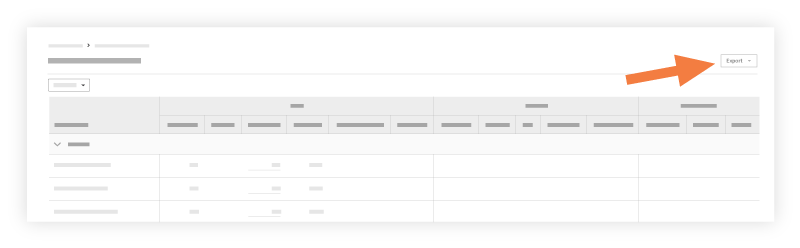
  4. Click Export and select PDF or CSV to download the file to your computer.
    Export Field Production Report

From the project's timesheet tool

  1. Navigate to the project's timesheet tool.

  2. Click report.

  3. Click Field production report.

  4. Click Export and select PDF or CSV to download the file to your computer.
    Export Field Production Report

See Also

Loading related articles...