Afficher une signature d’entrée de feuille horaire
Éléments à prendre en compte
En cas d’ajustement du nombre total d’heures d’une entrée de pointage, le statut de la signature devient « En attente de signature ».
Conditions préalables
Une entrée de pointage dans une feuille horaire doit d’abord être signée sur un appareil mobile.
Steps
Navigate to the project's Timesheets tool.
Select a date or date range.
Note: To see all timesheets, leave the date field blank.Locate the timesheet with the signature you want to view.
On the timesheet, find the timecard entry with the signature you want to view.
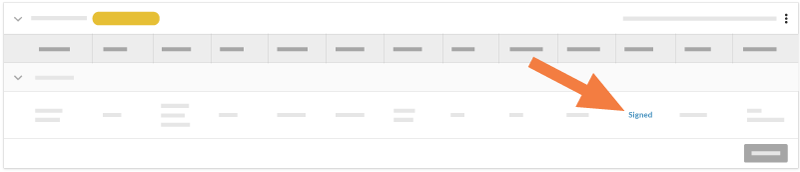
Click Signed to view the signature.
See Also
Loading related articles...