Can I bulk enable the Assets tool across multiple projects at once?
Answer
No. The Assets tool is enabled on a per-project basis. Bulk enablement across many projects at once is not currently available through standard Project Admin controls.
To enable the Assets tool follow the below steps, by moving the Assets toggle  ON.
ON.
プロジェクトの [管理者 ] ツールに移動します。
「プロジェクト設定」で、[ アクティブ ツール] をクリックします。
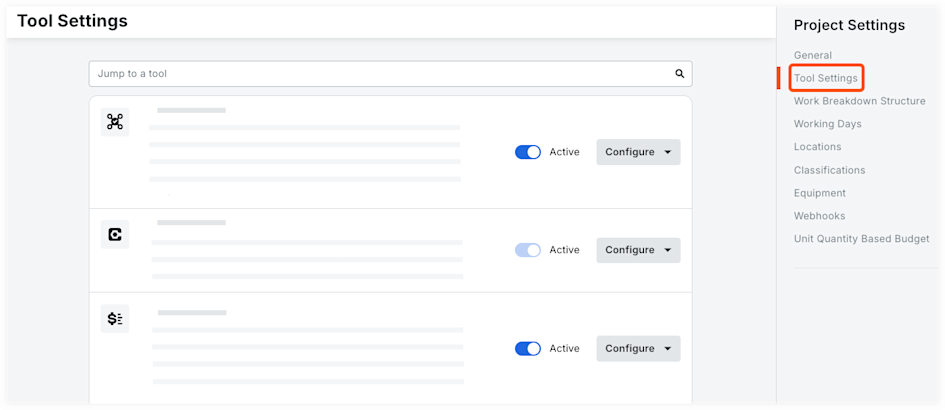
プロジェクトでアクティブにして使用できるようにするツールの横にあるチェックボックスをオンにします。
手記:「すべて選択」の横にあるチェックボックスをオンにしてアカウントで使用可能なすべてのツールを選択するか、製品カテゴリの横にあるチェックボックスをオンにしてカテゴリ内のすべてのツールを選択できます。チェックボックスをもう一度クリックすると、すべてのツールの選択が解除されます。プロジェクトで使用しないようにするツールの横にあるチェックボックスをオフにします。
オプション: ツールをクリックして新しいシーケンスにドラッグし、すべてのプロジェクト ユーザーの [プロジェクト ツール] メニューでのツールの表示方法を並べ替えます。
「 更新」をクリックします。
See Also
Loading related articles...