Enter Production Quantities in Timesheets
Now that you have filled out your timesheet, perform the following actions before you submit:
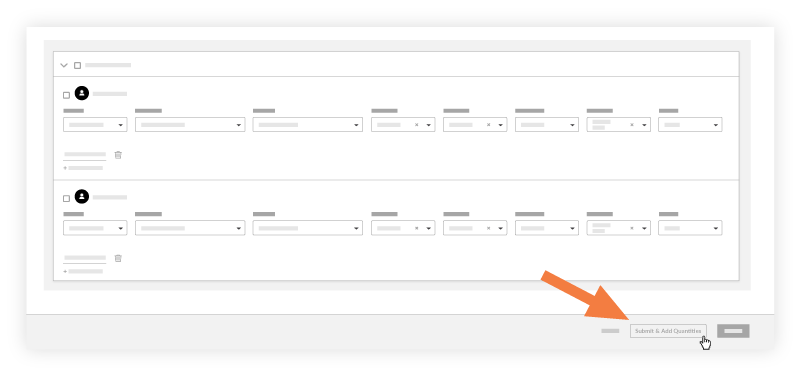
Click Submit and Add Quantities. Note: This button will be disabled if quantities have not been uploaded to the project. See Import a Unit Quantity Based Budget.
In the 'Add Quantities' page, enter an amount in the Units Installed field.

3. Click Submit.

Note
You can only use cost codes that have an imported budgeted quantity associated with it.