Create a Budget Snapshot
Background
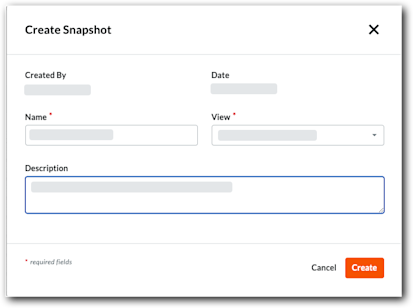
The Budget tool's Create Snapshot feature lets users capture snapshots of the Budget or Forecasting tab in its current state. Once captured, users can immediately view or export it to CSV or PDF. To learn about the different snapshot types available, see What is the difference between an ad-hoc snapshot and a project status snapshot?
Things to Consider
Required User Permissions:
To create a snapshot, 'Standard' level permissions or higher on the project's Budget tool.
To view all snapshots created by any user, 'Read Only' level permissions or higher on the project's Budget tool.
Steps
Create a Snapshot from the Budget Tab
Beta
Custom statuses for project status snapshots are available for the Budget and Project Status Snapshots tools. To enable this feature for all projects and users in your company account, join the Create Custom Statuses For Project Status Snapshots beta program through Procore Explore.
Users can create a Project Status Snapshot or an Ad Hoc Snapshot from the Budget tab. Only Project Status Snapshots are saved.
Did you know?
You can now edit a snapshot's name, type, and description directly from the budget banner without needing to delete and recreate it. To learn more, see Edit a Budget Snapshot.
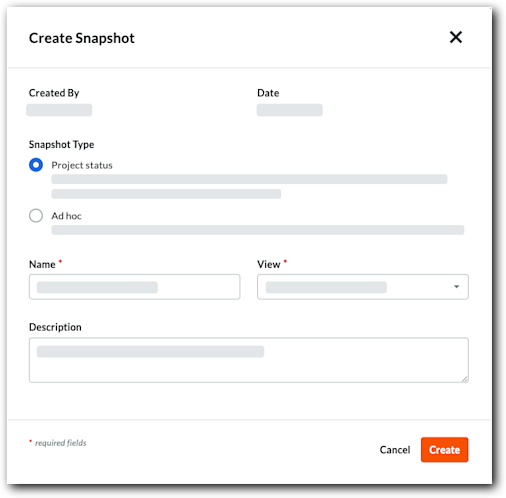
 Select a custom status. For details on how to create a custom status, see