Add Locations to the Map (Beta)
Background
Beta
This feature is currently in beta.
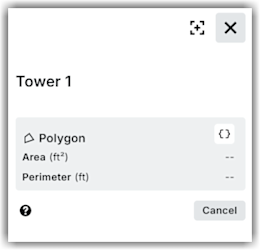
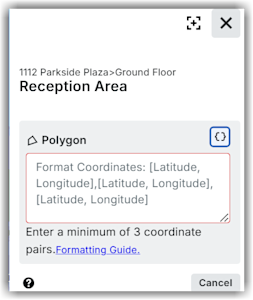
You can define specific geographic areas for your project and add them to the map as locations or sub locations. You can use physical shapes, such as point, path, or polygon, and assign to the locations or sub locations on the map. This will help you easily identify a mapped location on the map, and view its area and perimeter details.
See GeoJSON Formatting Guide for Locations for detailed information on how to define areas using coordinate and physical shapes.
 icon to switch to the map view.
 icon in the corresponding row under the Actions column.