Can I bulk enable the Assets tool across multiple projects at once?
Answer
No. The Assets tool is enabled on a per-project basis. Bulk enablement across many projects at once is not currently available through standard Project Admin controls.
To enable the Assets tool follow the below steps, by moving the Assets toggle  ON.
ON.
导航到项目的管理员工具。
在"项目设置"下,点击活动工具。
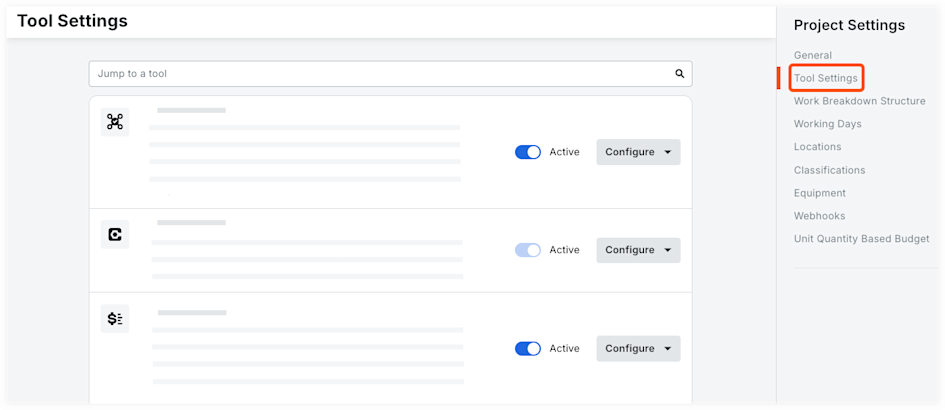
选中你希望在项目中处于活动状态和可用的工具旁边的复选框。
注意:你可以选中"全选"旁边的复选框来选择该账户可用的所有工具,或选中产品类别旁边的复选框以选择一个类别中的所有工具。再次点击复选框将取消选择所有工具。清除你不希望在项目中可用的任何工具旁边的复选框。
可选:点击工具并将其拖动到新序列,以重新排列工具在所有项目用户的"项目工具"菜单上的显示方式。
点击更新。
See Also
Loading related articles...