移除工人
背景
对于使用 Procore 的资源跟踪工具的项目,你可以从项目的工作小组工具中移除工人。从 Procore 移除工人后,将来无法再在考勤表、考勤卡、工作日志或工作小组工具中使用该工人的姓名。但是,系统会保留历史信息。
需要考虑的事项
该工人仍将在他们之前输入的任何考勤表上列出。
如果"是否可以在所有项目中对公司员工进行跟踪?"启用设置后,工人将保留在资源跟踪工具的员工列表中。请参阅配置高级设置:公司级别考勤表。
还可以在项目和公司级别目录工具中的"联系人"标签页下查看工人。请参阅Procore 中的"联系人"是什么?哪些项目工具支持此概念?
步骤
导航到项目的工作小组工具。
点击工人标签页。
找到并悬停在你要移除的工人上。
选择以下选项之一:
点击工人信息右侧的垃圾桶图标。
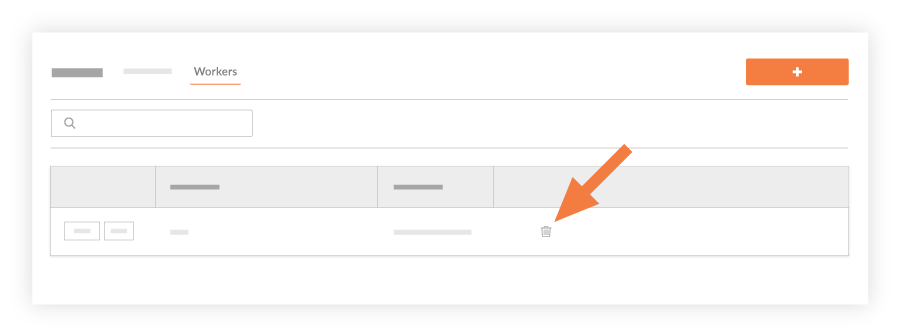
或者点击要移除的工人旁边的编辑。
在"编辑工人"窗口中,点击移除。
注意事项这会将工人从项目中移除,并且无法再在考勤表、考勤卡、工作日志或工作小组工具中选择该工人。
工人不会从任何历史考勤表中移除。