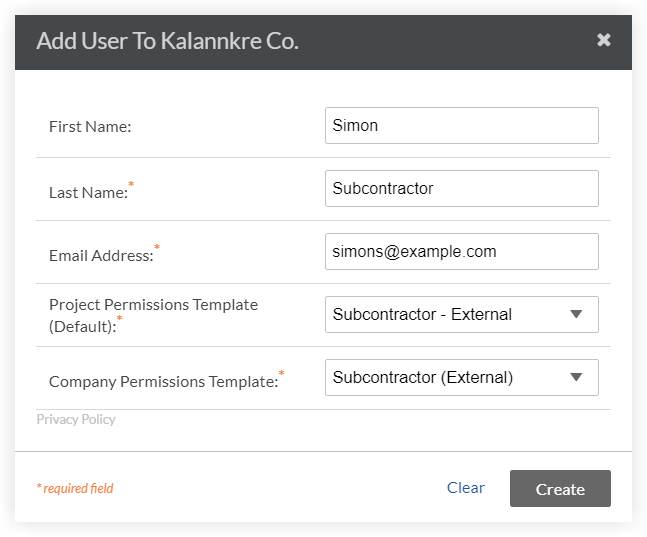
将人员添加到资源计划
Background
For projects using Resource Planning and Resource Tracking tools, you can manage your resources by adding them to Resource Planning. The people you add here can be assigned a resource assignment, as well as be shown in the Crews, and the Timesheets tools.
You have three options when creating people in Resource Planning: 'User', 'Assignable', or 'Assignable User'.
Assignable User
Can be assigned to resource assignments
Can log in to Procore and Resource Planning
Can be tracked using Procore Timesheets
Is added to the Directory as a 'User'
User
Can NOT be assigned to resource assignments
Can log in to Procore and Resource Planning
Can be tracked using Procore Timesheets
Is added to the Directory as a 'User'
Assignable
Can be assigned to resource assignments
Can NOT log in to Procore and Resource Planning
Can NOT be tracked using Procore Timesheets
Is added to the Directory as a 'Contact'
Note: If there is a matching user record in your Directory, they will be linked to the 'User' instead.
 ON to enable or
  OFF to disable.