Approve main contracts (Beta)
In Beta
This content is for participants in the Project Financials: modernised experience for main contracts beta programme.
After the main contract is created, you can follow the steps in Update the Bill of Quantities on a main contract. Once the line items on the BOQ are complete and the agreement between the project owner and your company is finalised, you can place the contract into the Approved status. This action allows your project team to begin creating variations (see Create a main contract variation) and main contract payment applications (see Create a main contract payment application).
Required User Permissions:
'Admin' level permission on the project's main contract tool
Additional information:
After you complete the steps below, your project team can then perform the following tasks:
Update the bill of quantities (BOQ) on a main contract
Confirm that all parties to the main contract are in agreement prior to changing its status to 'Approved.'
Navigate to the project's main contract tool.
Locate the main contract to work with. Then click its Number link.
Click the Edit contract button.
Under General information, choose Approved from the status drop-down list.
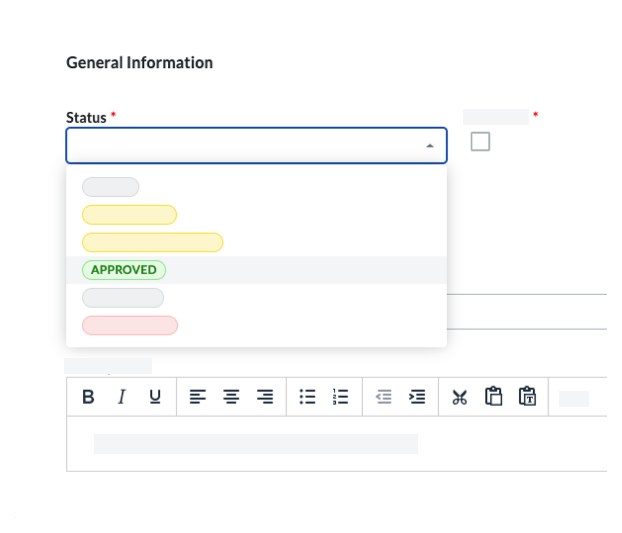
Click Save.
Loading related articles...