View quantities on a timesheet (Android)
Background
Production quantities are a measurable amount of work on a construction project. For example, cubic yards of concrete, number of light fixtures or linear feet of piping. In Procore, there are two types of production quantity:
Budget production quantity refers to the measurable amount a team plans to install on a project.
Installed production quantity refers to the actual amount installed on a project by a point in time.
After installed production quantity have been entered in a timesheet, they can be tracked against the imported Budget production quantity using the Production quantity report.
Things to Consider
For customers using Procore Project Financials, you have the option to allow the quantities entered on a timesheet to interact with the Procore labour productivity cost budget view.
If sub jobs are enabled on your project, the sub job associated with your 'Units installed' entry will appear when you add quantity. See Enable sub jobs on projects for WBS.
This asset/item can be viewed or edited in offline mode provided it was previously viewed and cached on your mobile device.
Prerequisites
Steps
Navigate to the project's Timesheet tool using the Procore application on an Android mobile device.
Tap the timesheet containing the quantity you want to view.
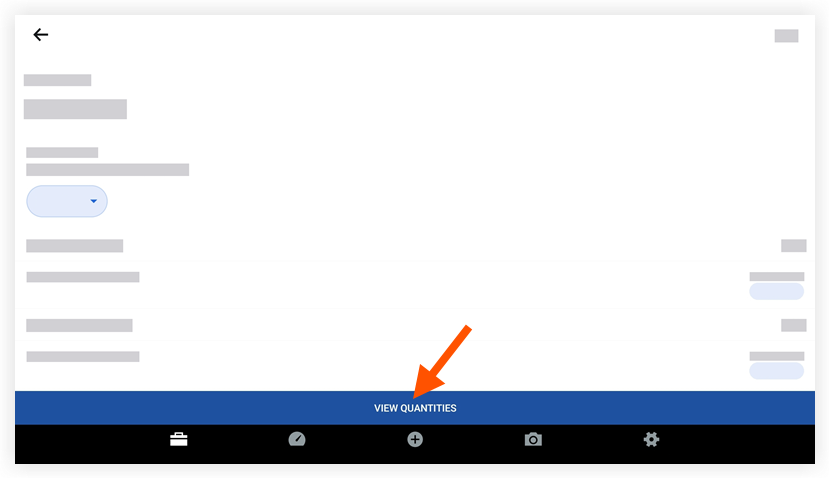
Tap View quantity.
See Also
Loading related articles...