View the field production report
Steps
From the project's report tool
From the project's timesheet tool
From the project's report tool
Navigate to the project's 360 Reporting tool.
Scroll to Project reports.
Click Field production report. See Which data columns are in a field production report?
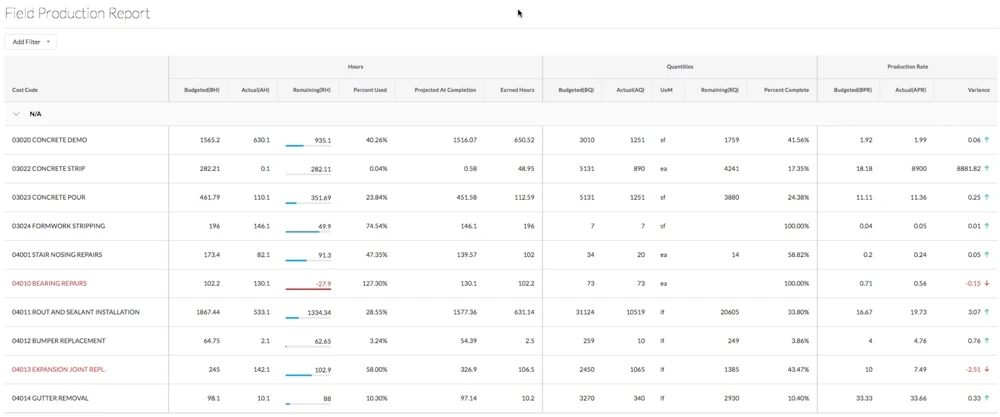
Click Add filter and select one of the following filters to narrow the display results:
Cost Code
Sub job name
Unit of Measure
From the project's timesheet tool
Navigate to the project's timesheet tool.
Click report.
Click Field production report. See Which data columns are in a field production report?
Click Add filter and select one of the following filters to narrow the display results:
Cost Code
Sub job name
Unit of Measure