Navigate the Model Manager Landing Page
Procore Model Manager - Beta Access & Feedback
The Model Manager (Beta) features and documentation are subject to change without notice.
To learn about the beta program, see the Beta Participant Guide.
The Model Manager (Beta) features and documentation are subject to change without notice.
To learn about the beta program, see the Beta Participant Guide.
The Model Manager (Beta) landing page serves as the central hub for managing your project's Building Information Modeling (BIM) data within Procore. It provides a unified view of the federated project model, individual file versions, and saved project views to streamline communication and coordination.
Required User Permissions Currently, only Admin permissions are available. Procore will add more permission levels later.
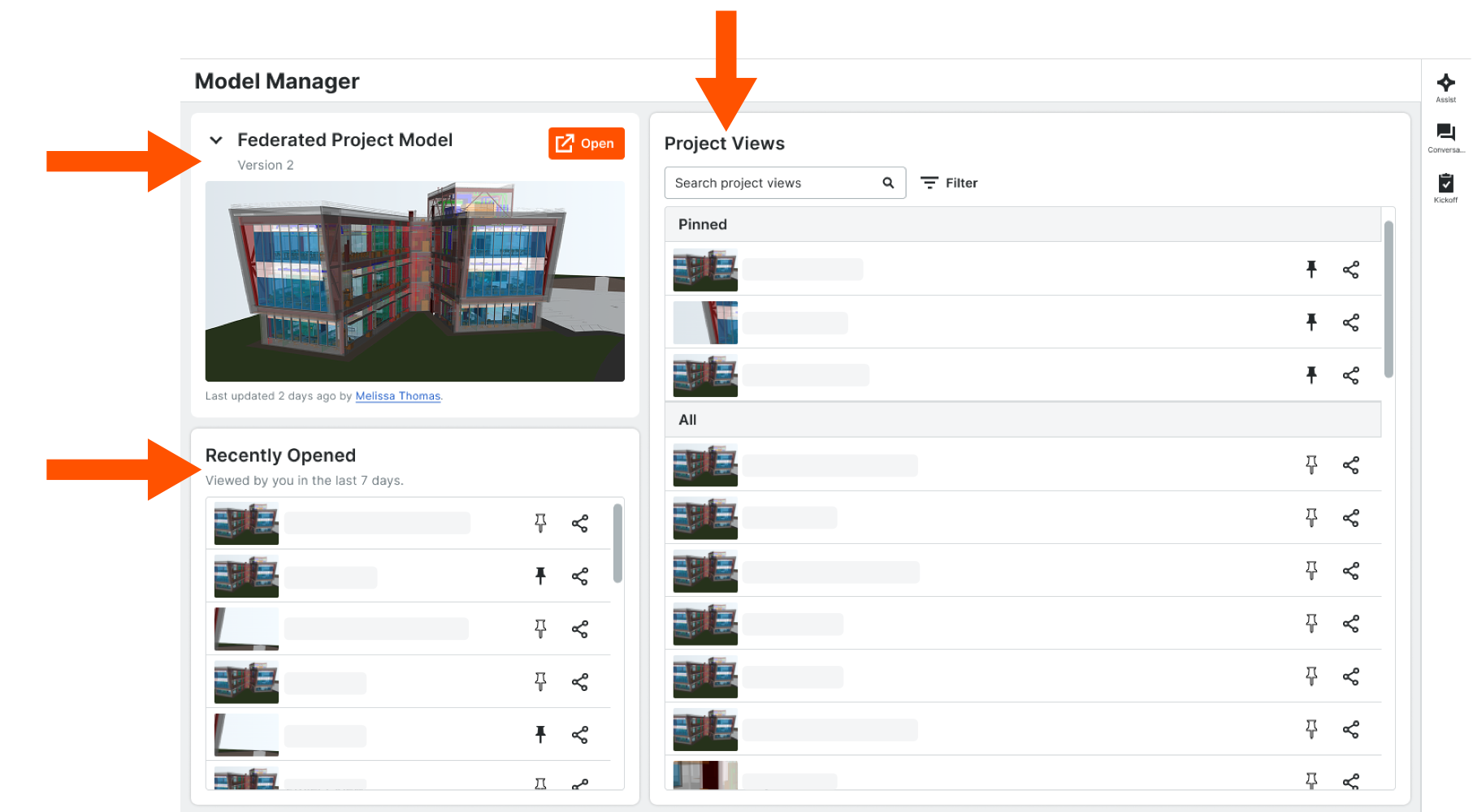
To ensure a tailored experience, the landing page will offer two distinct views: one for Admins and one for non-Admin users.
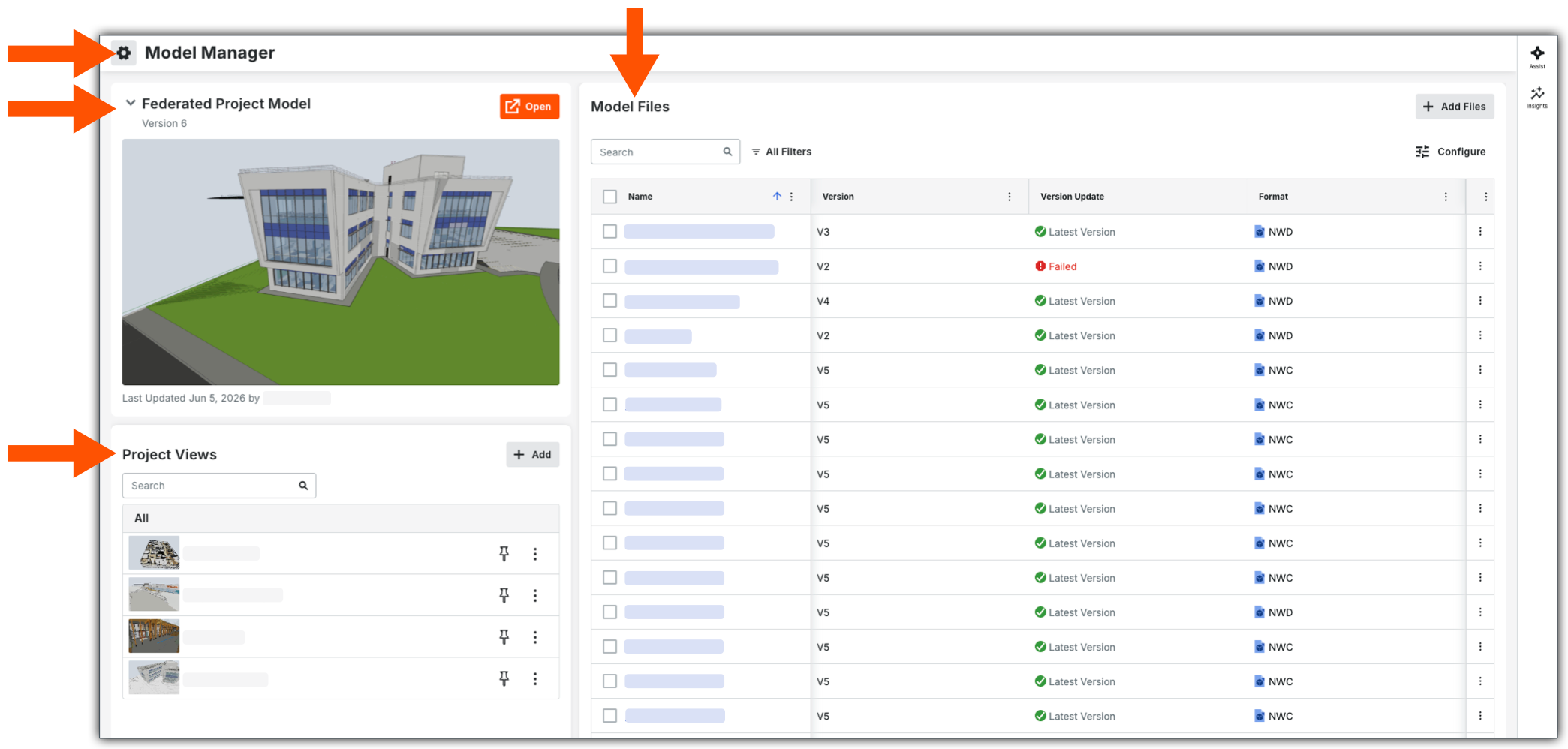
From the Admin view of the landing page, you can click the Gear
icon to Configure Model Manager Settings. You also have three (3) primary cards: Federated Project Model, Model Files, and Project Views.

To learn about the different cards:
Management:
Check back for updates…