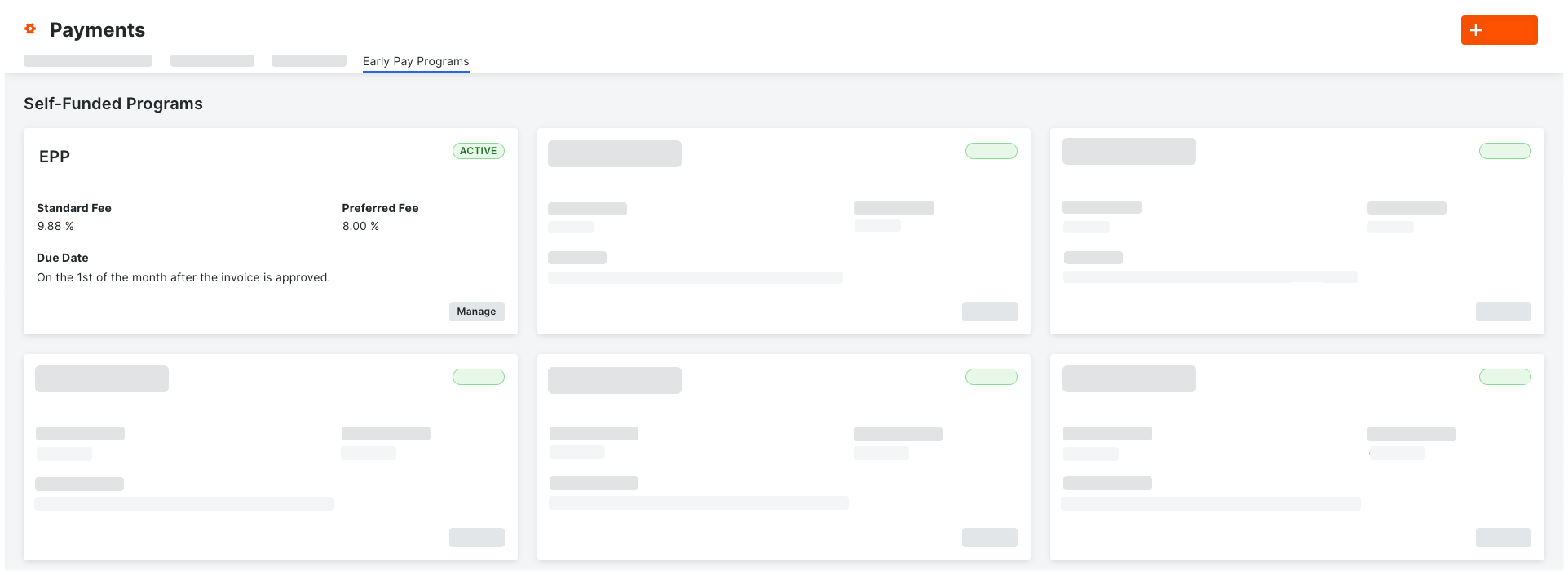
Manage Early Pay Programs in the Payments Tool
With Procore Pay, an 'Early Pay Programs' tab is available in the Company level Payments tool. Payment Admins can use the controls in this tab to:
Create and manage Early Pay Programs. Set the fee and timeline for early payments. This includes setting each program's 'Fees', 'Due Dates,' and 'Status' (Active or Inactive).
Assign Early Pay Programs to Projects. Create as many Early Pay Programs as needed and assign them to a Procore project. Each project can have one (1) program assigned.
Switch, Remove, or Deactivate Early Pay Programs. Switch programs offered on projects and remove Early Pay Programs from projects. Programs can also be deactivated at any time.
See About the Early Pay Programs Tab in the Payments Tool.
This is an example of the Early Pay Programs tab in Procore Pay's Company level Payments tool.