Preview lien waivers
Create a new payment application or open an existing one.
TipsHow do you create a new payment application? The steps you follow in your environment depend on your role and the permissions you've been granted to the payment application management tools in the payor's Procore project. See Create a subcontractor payment application.
In the payment application, click the Lien rights tab.
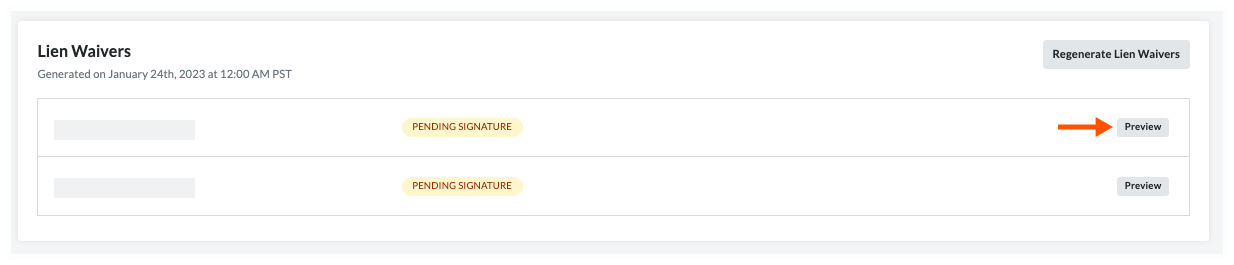
Locate the lien waiver to preview in the table. The table lists lien waiver in the 'Pending signature' and/or 'Signed' state.
How does Procore populate the lien waivers list? First, your company's payment admin follows the steps in Create lien waiver templates and Enable lien waivers in the company payment tool. Next, an payment application administrator on your project follows the steps in Enable lien waivers & set default templates on projects. The template(s) that populate the list in the lien waivers card are based on the 'billing type' option set on the payment application and the default template.