Request to unlock signed unconditional waivers
Navigate to the Project level commitment tool.
Locate the contract for the payment application with the signed unconditional lien waiver. Then click its Number link to open it.
In the commitment, click the Payment applications tab.
Locate the payment application with the signed unconditional lien waiver. Then click the payment application # link to open it.
In the payment application, click the Lien rights tab.
Optional. To send an email request to unlock the unconditional lien waiver to the payment application contact on the commitment, click Request.

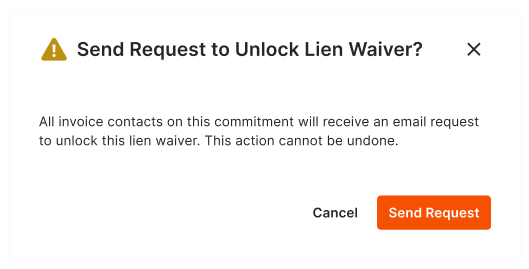
At the Send request to unlock lien waiver? prompt, click Send request.
 A GREEN banner appears to confirm that the system sent a request to unlock the lien waiver to all payment application contacts designated on the commitment. As shown below, the GREY banner corresponding to the lien waiver shows the last requested date and time.
 Tip
Need to send another request at a later time? You can send another request at a later time by clicking the Request again button.