Add payment application contacts
Navigate to the project's Payment Applications tool.
TipYou can also open a commitment from the commitment tool. To do this, navigate to the Project level Commitment tool. In the Contracts tab, click the Number link.
Click the Subcontractor tab.
Locate the payment application to update and click its Contract link. This opens the commitment. A subcontractor payment application originates from a commitment. 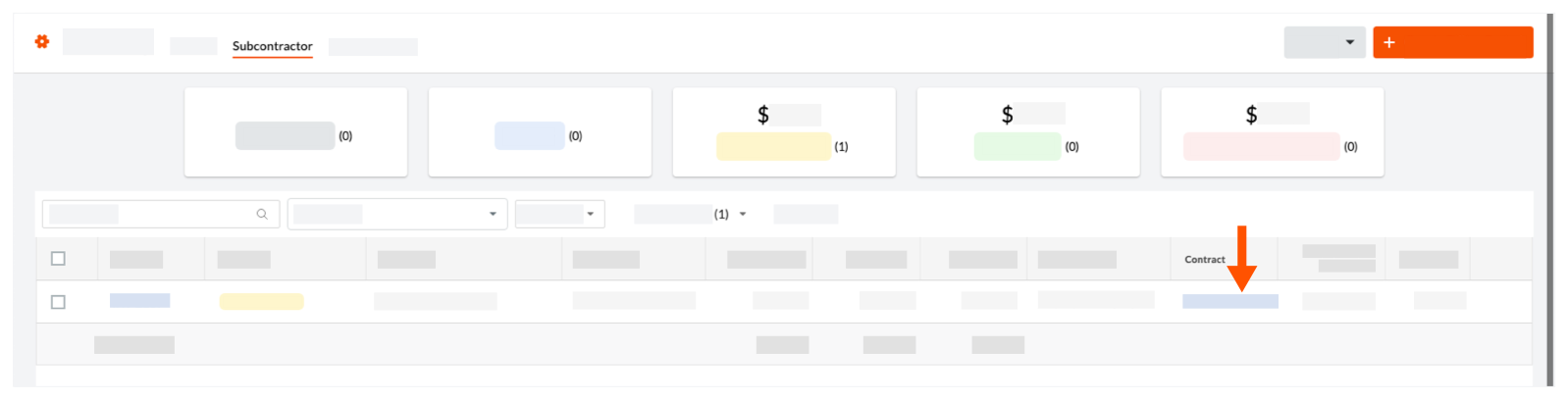
In the commitment, click Edit.
Under General information, do the following: 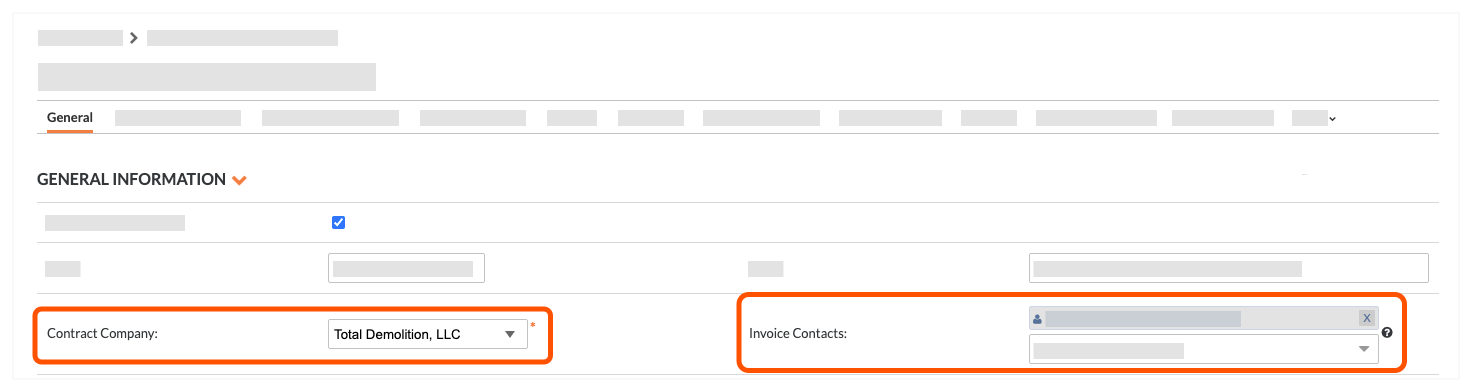
Contact company. Select the company record from the drop-down list.
Payment application contacts. Select an employee of the company from the drop-down list.
TipsDon't see the right company in the 'Contact company' list? The company record must be added to the Project Directory. See Add a company to the project Directory.
Don't see the desired user in the list? The user must ben an employee of the company record in the Project Directory. See Add a user account to the Project Directory.