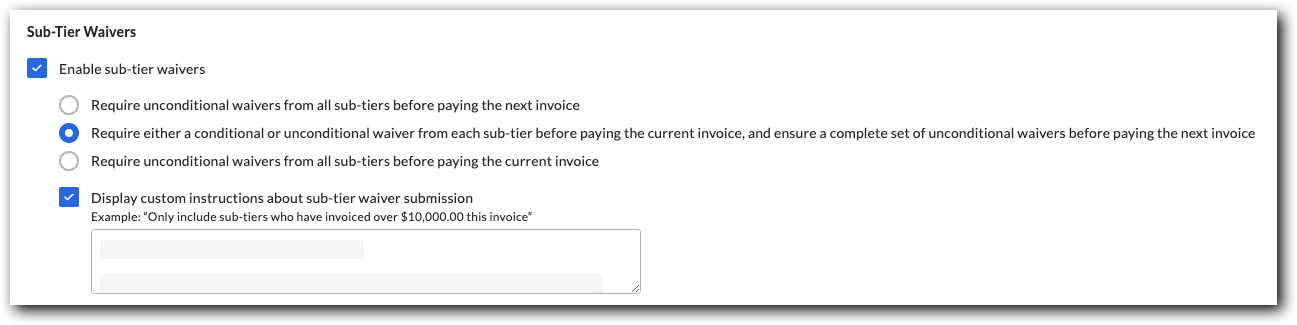
Enable sub-tier waivers
Navigate to the Project level Invoicing tool.
Click the Settings
 icon.
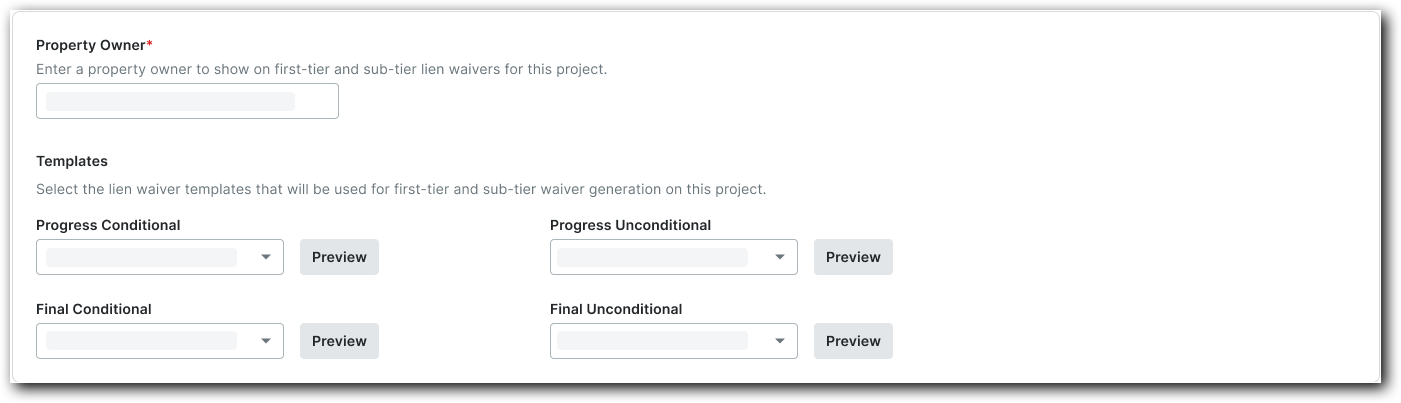
Scroll to the Lien Waivers section.
TipsDon't see any options? Lien waivers must enabled for Procore Pay. See Enable lien waivers in the company payment tool.
Mark the Enable Sub-Tier Waivers check box to show the 'Sub-Tiers' card on the 'Lien Rights' tab of the project's subcontractor invoices. Clear the checkbox to hide the sub-tier card.
Under the How should sub-tier waivers be collected on this project? section, you have these options to collect signed waivers from sub-tier contractors:
Payment application contacts must collect signatures from their sub-tier contractors outside of Procore. Next, they upload and submit the signed waivers with their subcontractor payment application for the Open valuation period. See Upload sub-tier waivers to a subcontractor payment application as a payment application contact.