Enter production quantities in timesheets
Now that you have filled in your timesheet, perform the following actions before you submit:
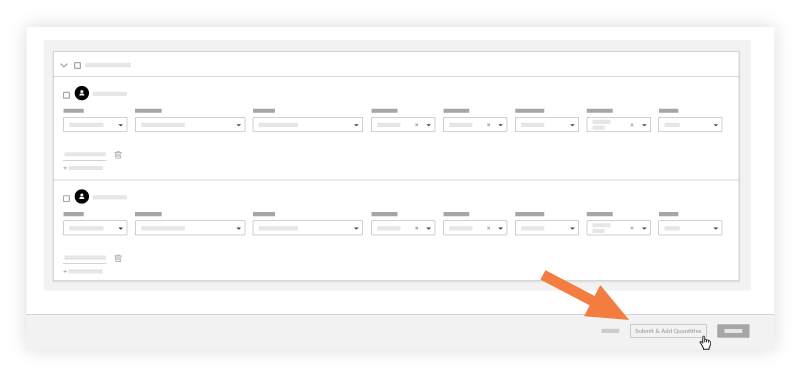
Click Submit and add quantity. Note: This button will be disabled if quantity has not been uploaded to the project. See Import a unit quantity based Budget.
In the 'Add quantity' page, enter an amount in the Units installed field.

3. Click Submit.

Note
You can only use cost code that have an imported Budget quantity associated with it.