Add a subcontractor BOQ to a commitment
Background
In Procore, the Subcontractor BOQ tab is enabled on the Commitments tool by default. This tab provides your downstream contractors with a way to provide a detailed breakdown of specific work items on a commitment. This breakdown is entered by your contractors on a separate tab—to ensure the committed amounts on each line item on the subcontract's general Bill of Quantities tab remains consistent with the approved agreement.
Let's assume you are a main contractor and have a subcontract with 'ABC concrete'. Before your company will approve payment for work item on that subcontract, you want the subcontractor to provide a line item breakdown of each cost code/cost type combination to describe their cost in more detail.
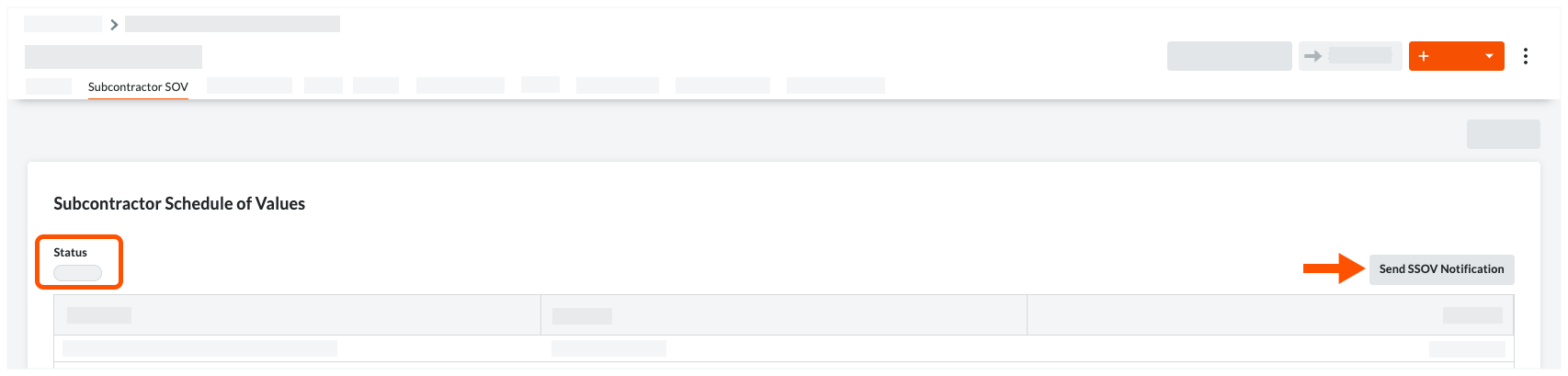
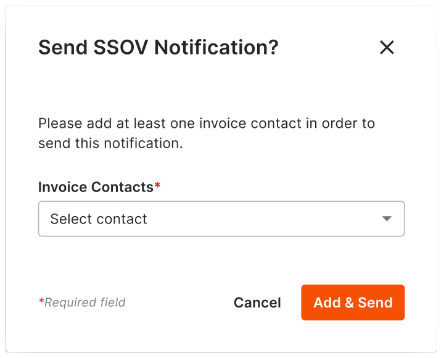
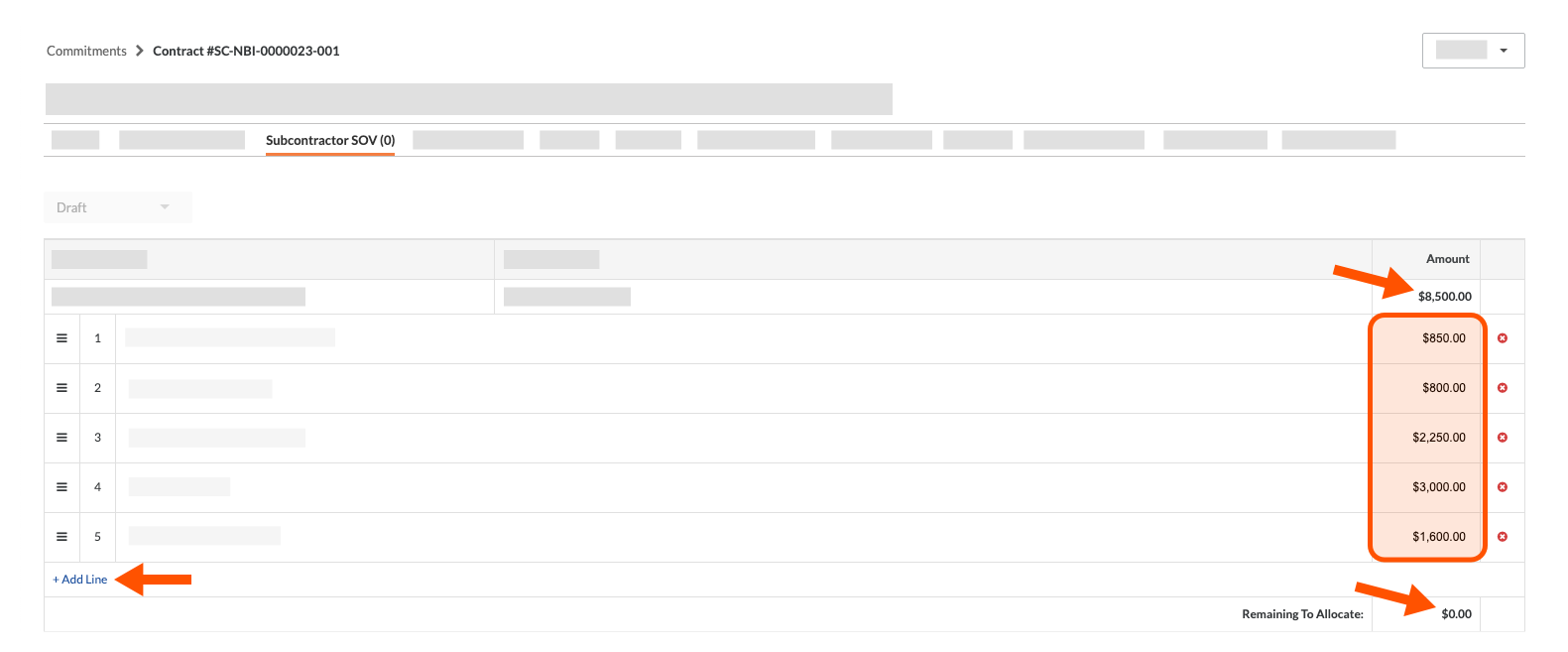
To do this, you can have Procore send an email notification to the designated 'payment application contact' on the commitment. This email asks their company to complete the subcontractor BOQ. After the subcontractor adds their detailed line item breakdown to demonstrate their labour costs, materials or other costs associated with the work items, they can then submit the completed data entry back for your review.