Définir un compte de financement par défaut
Accédez à l’outil Paiements au niveau entreprise.
Cliquez sur l’icône
 Paramètres de paiement. La page Paramètres de paiement s’ouvre. La page « Entités commerciales » de l’onglet « Traitement des paiements » est active par défaut. Cette page répertorie les entités commerciales configurées pour payer les factures dans le Procore Pay solution de votre entreprise.
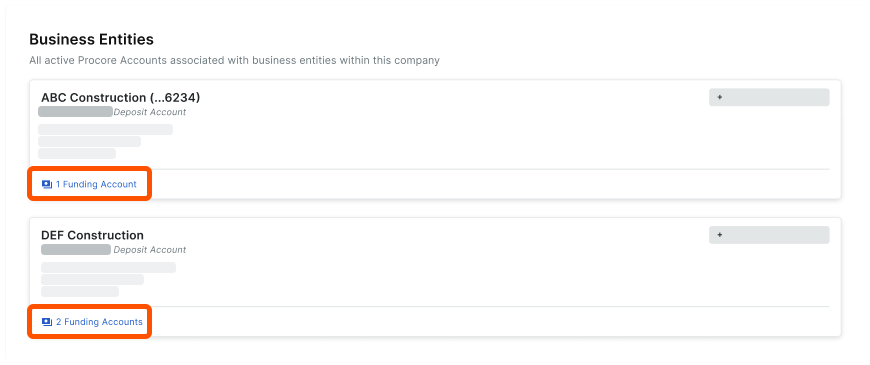
Recherchez l’entité à modifier et cliquez sur le lien son/ses compte(s) de financement.
Localisez le compte à modifier.
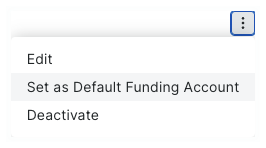
Cliquez sur le menu Débordement et choisissez Définir comme compte de financement par défaut.
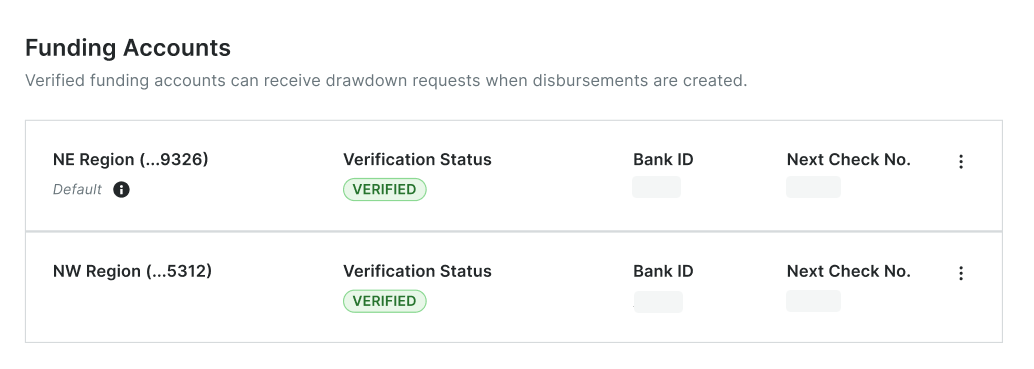
Le compte est marqué Par défaut et passe en haut de la liste des comptes de financement de l’entité.
 Pointe
Puis-je désactiver notre compte par défaut ultérieurement ? Non. Le compte par défaut ne peut pas être désactivé dans Procore. Avant de pouvoir désactiver un compte, vous devez supprimer la désignation par défaut. Voir Désactiver les comptes de financement en tant que payeur.


