Deactivate Segment Items
背景
细分是组织用来将其工作分解为可管理组件的离散类别。细分项是细分中的许多不同项之一。在 Procore 的财务管理工具中,细分是定义公司财务模式的构建块 预算编号结构是细分用于根据组织建立的模式构建有意义的预算编号。在 Procore 的工作分解结构中,公司或项目的预算编号结构可以由多个部分组成。
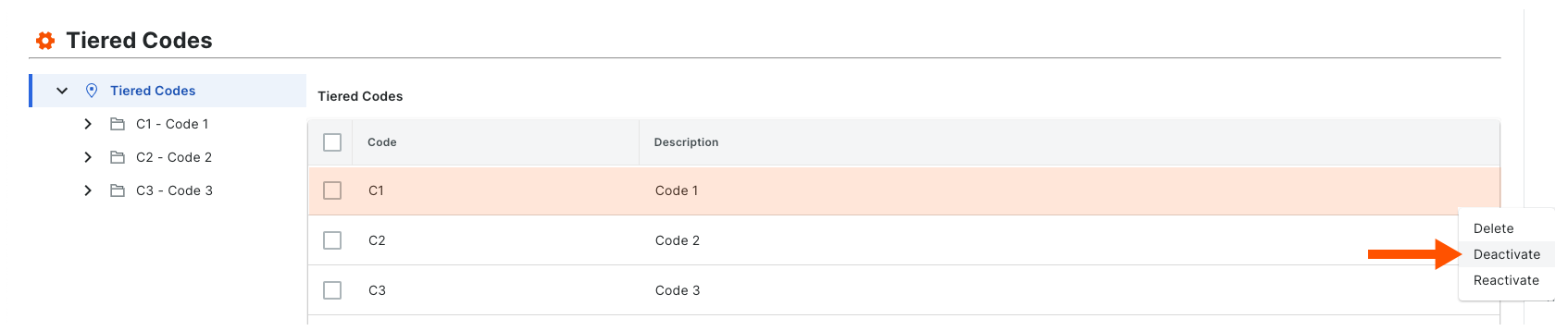
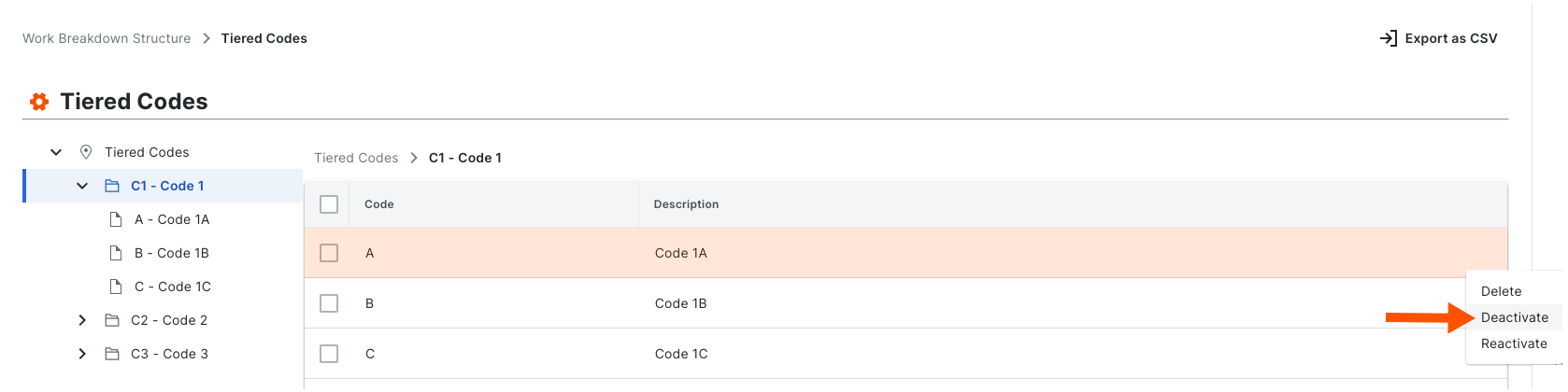
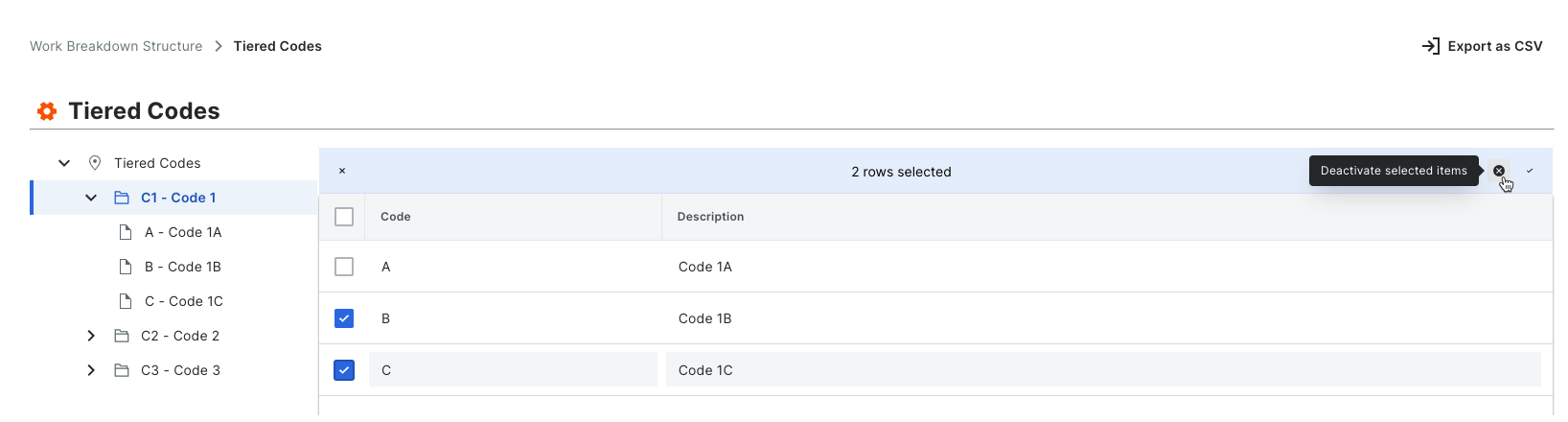
创建新细分项时,公司账户中的细分项默认处于活动状态。可以按照以下步骤将其停用。当细分处于停用状态时,则显示为灰色以表明在"细分"表格中不可用。
Things to Consider
Required User Permissions:
'Admin' level permissions on the Company level Admin tool.
Additional Information:
Segments can only be deactivated at the Company level. This function is NOT currently available on projects.
Before you deactivate a segment, be aware of the following:* If you deactivate a segment item that is used in a budget code on an existing project, it will continue to be available on that project. If you do NOT want the segment item to be used in a budget code on the existing project in the future, it is strongly recommended that you communicate this directive to your project team.* If you deactivate a segment item that is not used in a budget code on an existing project, it will not be available for use on that project.* If you deactivate a segment item and then create a new project, it will NOT be available for use on the new project.
If you want to permanently remove a segment item to prevent it from being available on all new projects, see Delete Segment Items.
Limitations:
For customers using the Company level ERP Integrations tool
The default segments in WBS are compatible with Procore's ERP Integrations tool. However, some integrations do NOT yet support custom segments.For customers who have independently developed or purchased a third-party solution to integrate with Procore
To take advantage of the custom segment capabilities associated with WBS, any existing API integrations that you have independently developed or purchased to interact with Procore must be updated to support Procore's new WBS API.
Before you deactivate a segment, be aware of the following:
If you deactivate a segment item that is used in a budget code on an existing project, it will still appear on projects where it is already in use. However, it will no longer be an available option when creating new budget codes.
If you deactivate a segment item that is not used in a budget code on an existing project, it will be deactivated on that project.
If you deactivate a segment item and then create a new project, it will NOT be available for use on the new project.