Afficher une liste de débours
Accédez à l’outil Paiements au niveau entreprise.
Cliquez sur l’onglet Débours .
PointeVous ne voyez pas l’onglet Débours ? Pour afficher cet onglet, votre compte utilisateur Procore doit être affecté au rôle Débourseur de paiements ou Administrateur de paiements.
Dans l’onglet Débours, le tableau répertorie tous les décaissements.
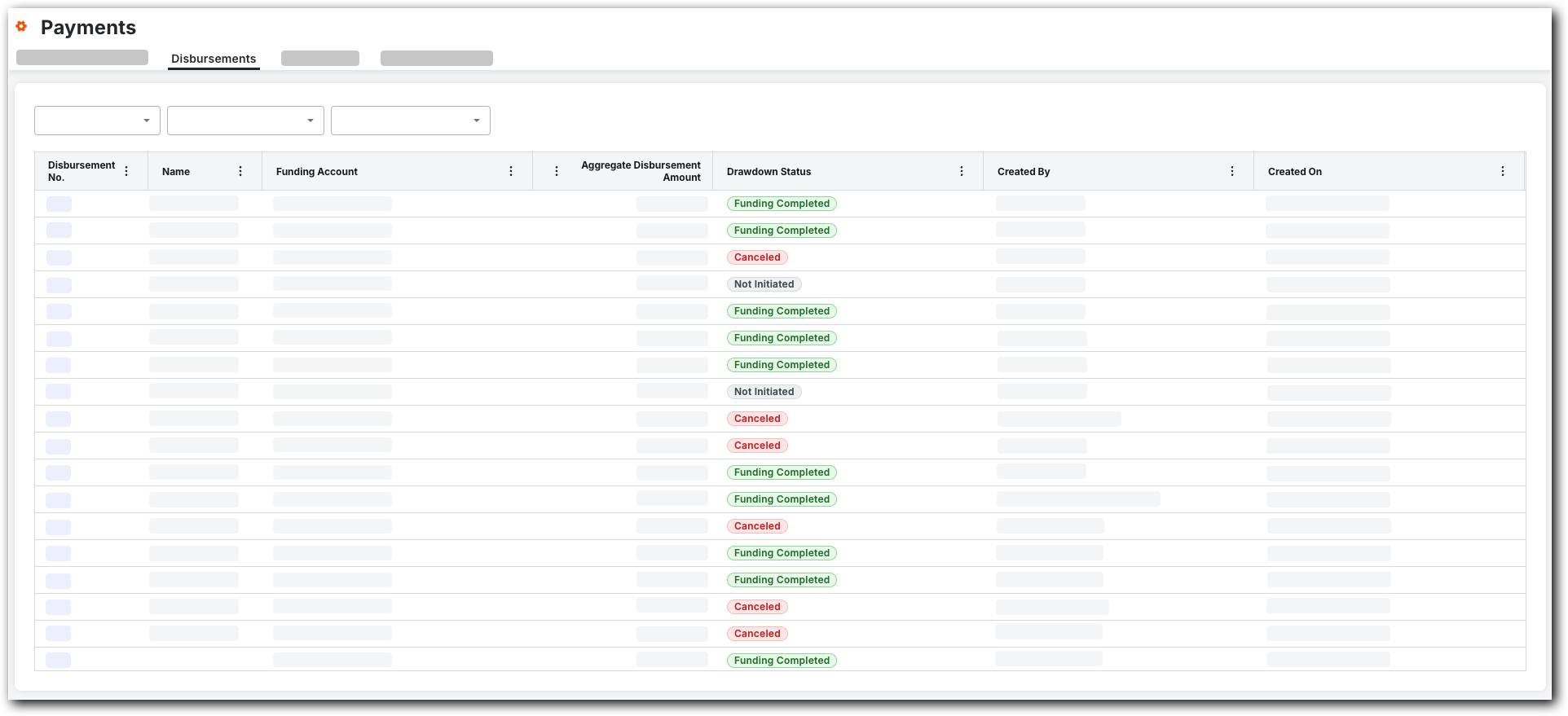
Facultatif. Filtrez la table de données en sélectionnant une (1) ou plusieurs de ces options :
créé le. Cliquez sur le bouton et sélectionnez l’une de ces options :* 30 derniers jours. Affiche uniquement les décaissements créés au cours des trente (30) derniers jours.* 60 derniers jours. Affiche uniquement les décaissements créés au cours des soixante (60) derniers jours.* depuis le début de l’année. Affiche tous les décaissements créés au cours de l’année écoulée.
Compte de financement. Cliquez sur le bouton pour sélectionner une (1) ou plusieurs options de compte de financement de l’entreprise.
PointeComment ajouter un compte de financement au menu déroulant ? Consultez l’article Ajouter des comptes de financement.