Edit Early Pay Programs
Background
A In Procore Pay, a Payments Admin is a designated Procore user who administers the Company level Payments tool for that company's Procore account. Typically, one (1) or a small number of trusted users are designated to perform the tasks associated with this role.
The program's name.
The personalized message to subcontractors.
Note: Program fees and due dates cannot be modified.
Things to Consider
Steps
Navigate to the Company level Payments tool.
Click Early Pay Programs.
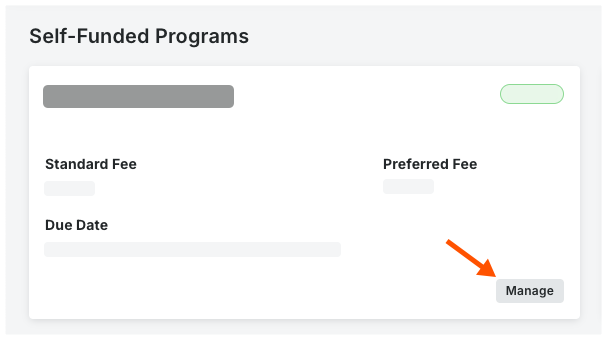
Locate the program's card.
Click Manage.
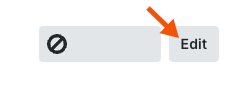
At the top of the page, click Edit.
In the Program Details card, type a new Program Name.
 Tip
TipWhich fields are editable? By design, only Program Name. The Standard Fee, Preferred Fee, Due Date, and Status cannot be modified in Edit mode. To change fees and due dates, you must deactivate the existing program and create a new program offering. See Create Early Pay Programs. To change the status of a program from Active to Inactive, see Deactivate Early Pay Programs.
Optional. Under Subcontractor Instructions, type any relevant information or instructions in the Message to Subcontractors box. The message is sent in outgoing invites to subcontractors.

Click Save.
A GREEN success banner appears to confirm the program update.