Manage early pay programmes in the Payment tool
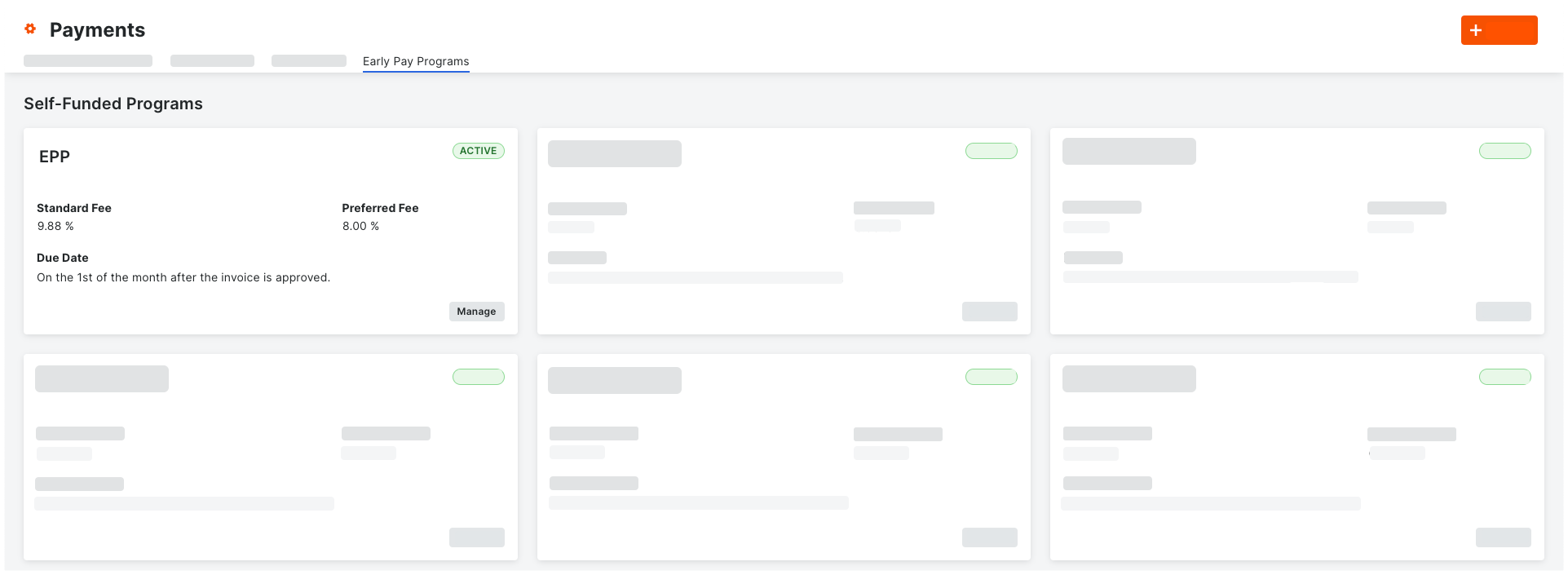
With Procore Pay, an 'Early Pay Programmes' tab is available in the Company level Payments tool. Payment admins can use the controls in this tab to:
Create and manage early pay programmes. Set the fee and timeline for early payments. This includes setting each programme's 'fees', 'due dates' and 'status' (Active or Inactive).
Assign early pay programmes to projects. Create as many early pay programmes as needed and assign them to a Procore project. Each project can have one (1) programme assigned.
Switch, remove or deactivate Early Pay programmes. Switch programmes offered on projects and remove Early Pay programmes from projects. Programmes can also be deactivated at any time.
See About the Early Pay programme tab in the payment tool.
This is an example of the Early Pay programmes tab in Procore Pay's Company level payments tool.