Deactivate early pay programmes
Background
A payment admin can deactivate an Early Pay programme. This permanently places the programme in the Inactive status. Once deactivated, any subcontractors participating in the programme are automatically unenrolled. Unpaid payment applications will not receive any discounts associated with the inactive programme.
Things to Consider
Steps
Navigate to the Company level Payment tool.
Click the Early pay programme tab.
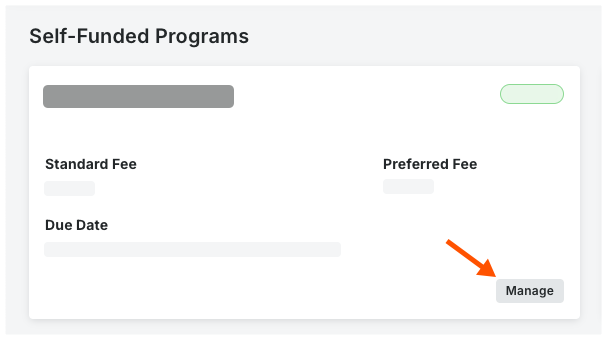
Locate the programme's card and click Manage to open the programme.
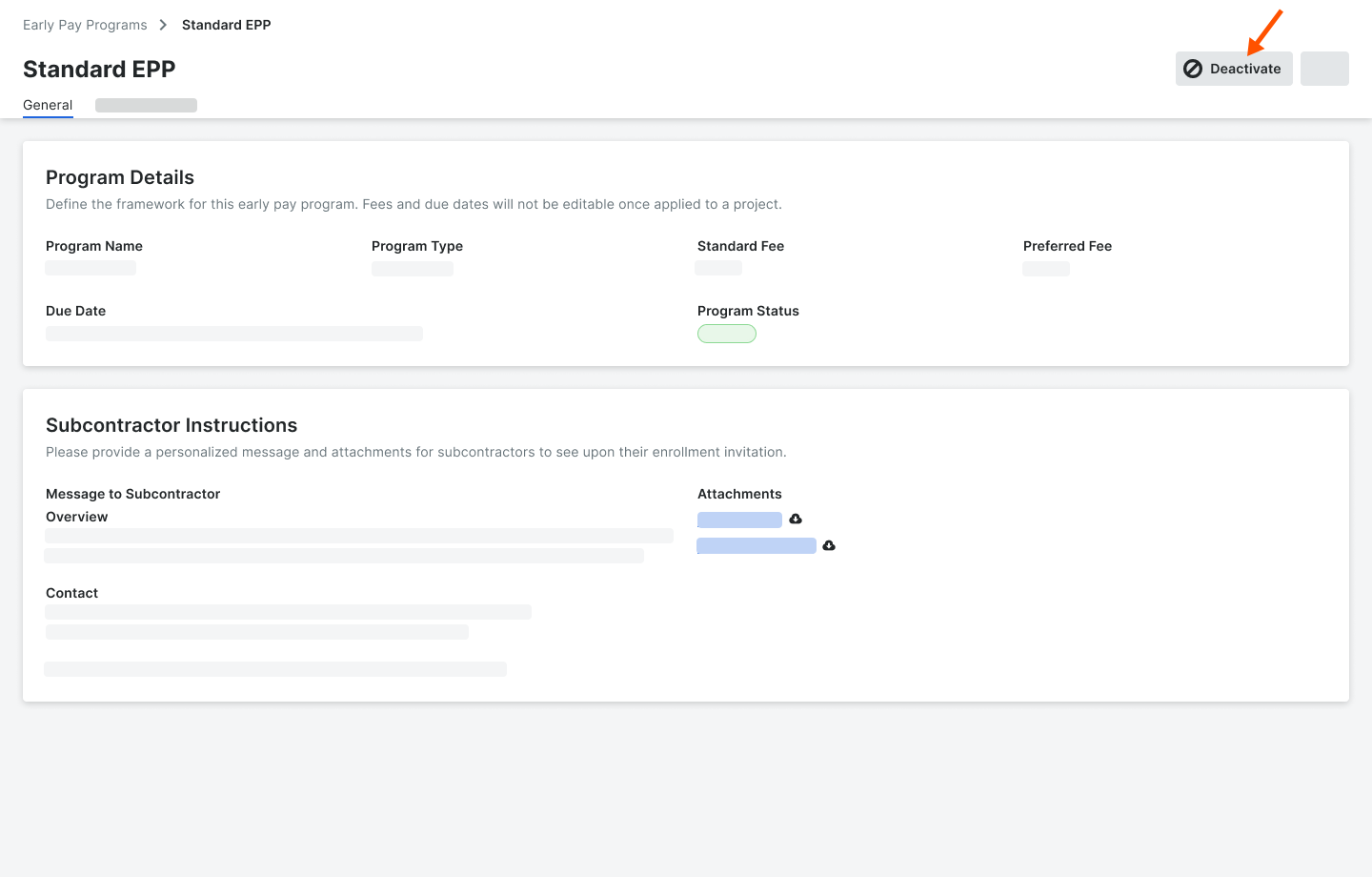
In the programme's card, click Deactivate.
In the Deactivate early pay programme? prompt, click Deactivate.

A GREEN success banner appears to confirm successful deactivation. The programme's status changes to Inactive and cannot be reactivated. The action is also recorded in the programme's change history. See View the change history of an early pay programme.