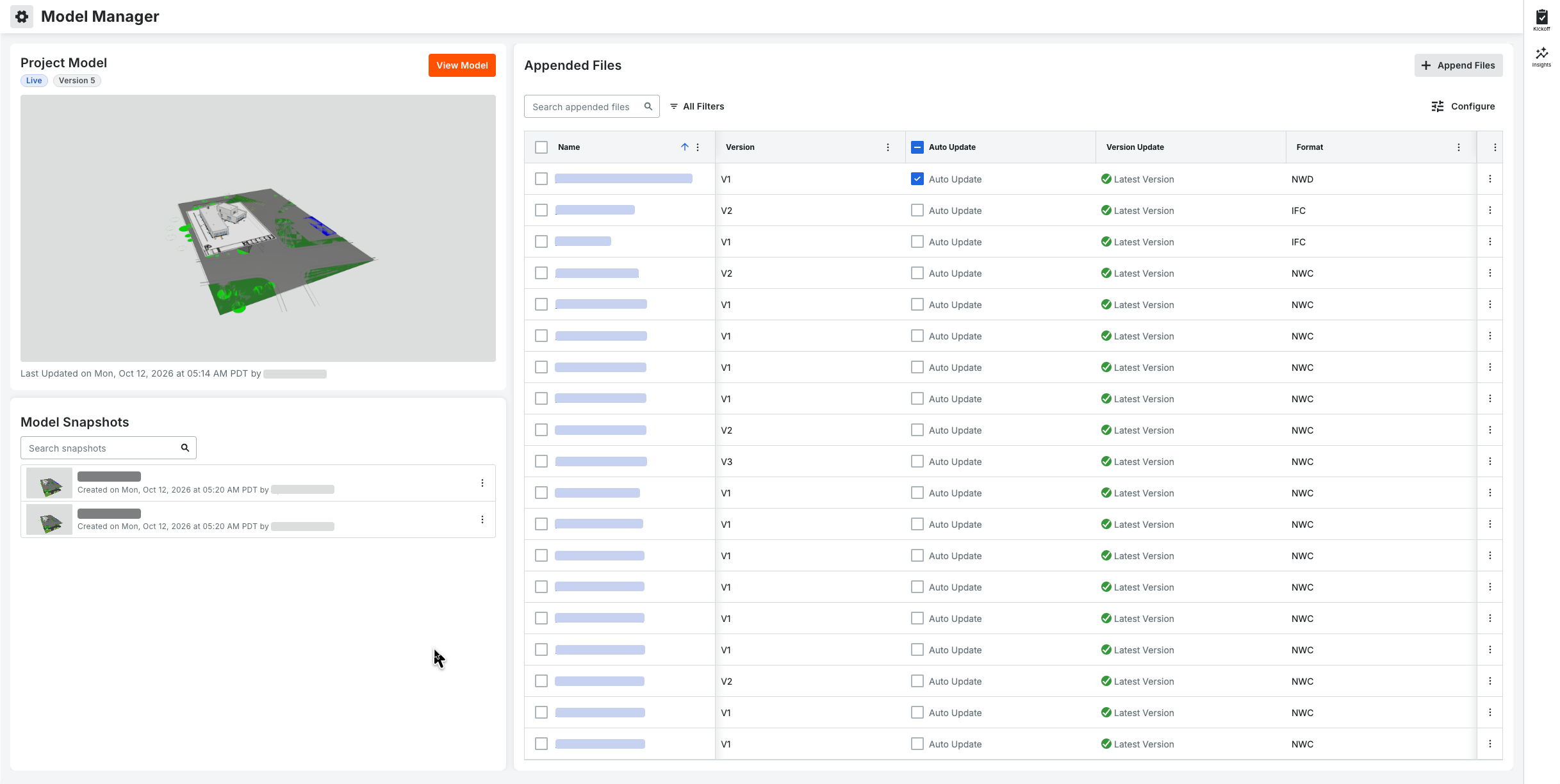
From the 'Read Only' and 'Standard' view of the landing page, you also have these cards: Current Model and Model Snapshots. Administrative actions such as creating a project model, updating file versions, or creating/deleting snapshots require 'Admin' permissions.
Read Only Users: Can view the current model and see public Model Snapshots on the landing page. They can also click a snapshot to its snapshot-level content. They cannot open or navigate the live project model. If an Admin hasn't created snapshots, they see an empty state message, "No Snapshots Exist Yet."
Standard Users: Can view the current model and click to jump directly to save camera locations in the current project model.
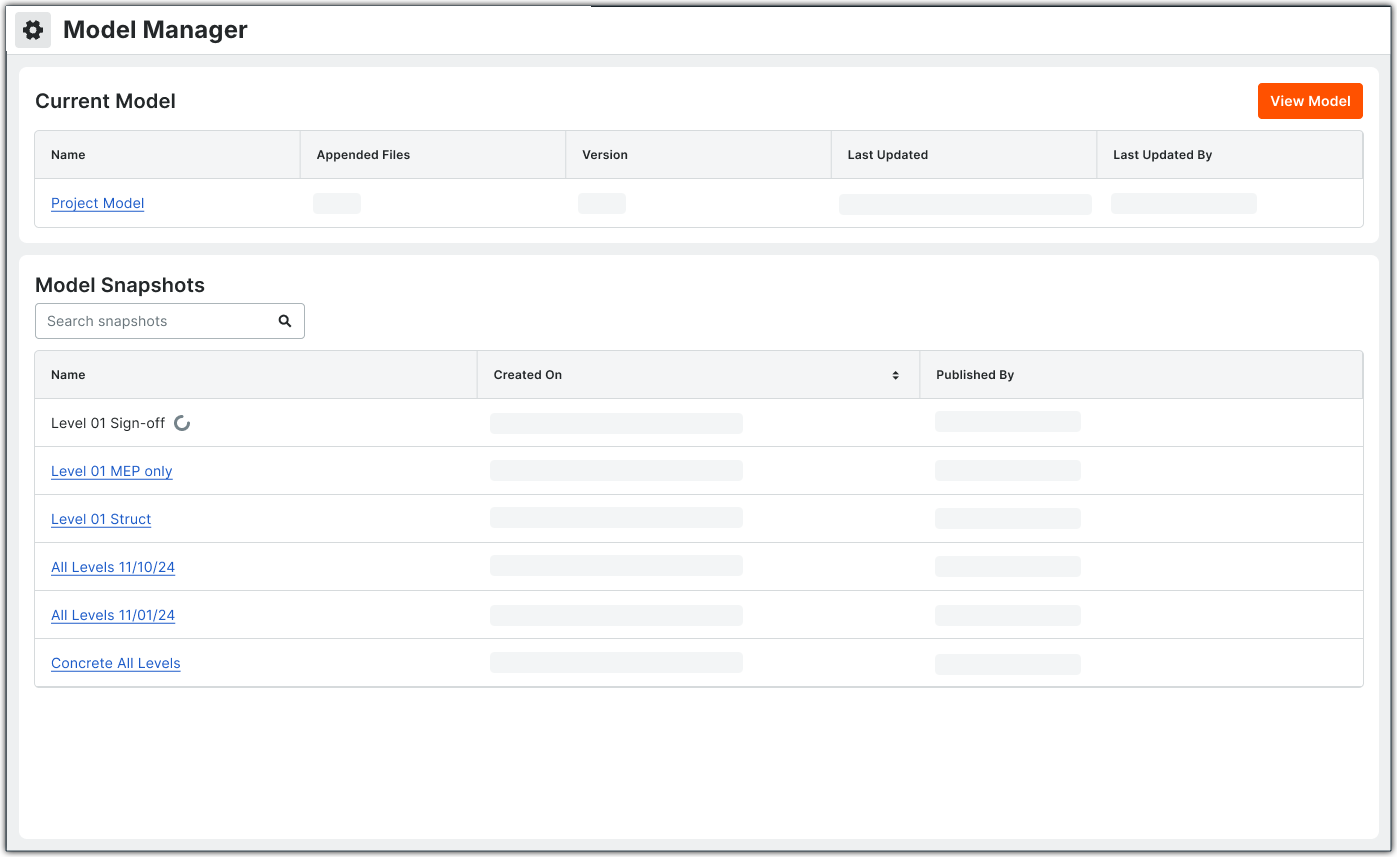
Current Model
'Read Only' and 'Standard' users can view the Current Model by clicking the Name link or the View Model button.
Model Snapshots
'Read Only' and 'Standard' users use this card to add, open, manage, search for, and filter snapshots. There are two types of snapshots: Public (created by Admins) or Private (created by you). Hover your mouse cursor over the thumbnails to blow up the thumbnail.
The card provides a high-level snapshot of the model's current status: