View change history
Navigate to the Company level Payment tool.
Click the payment settings
 icon. This opens the payment settings page.
Click the Payment processing tab.
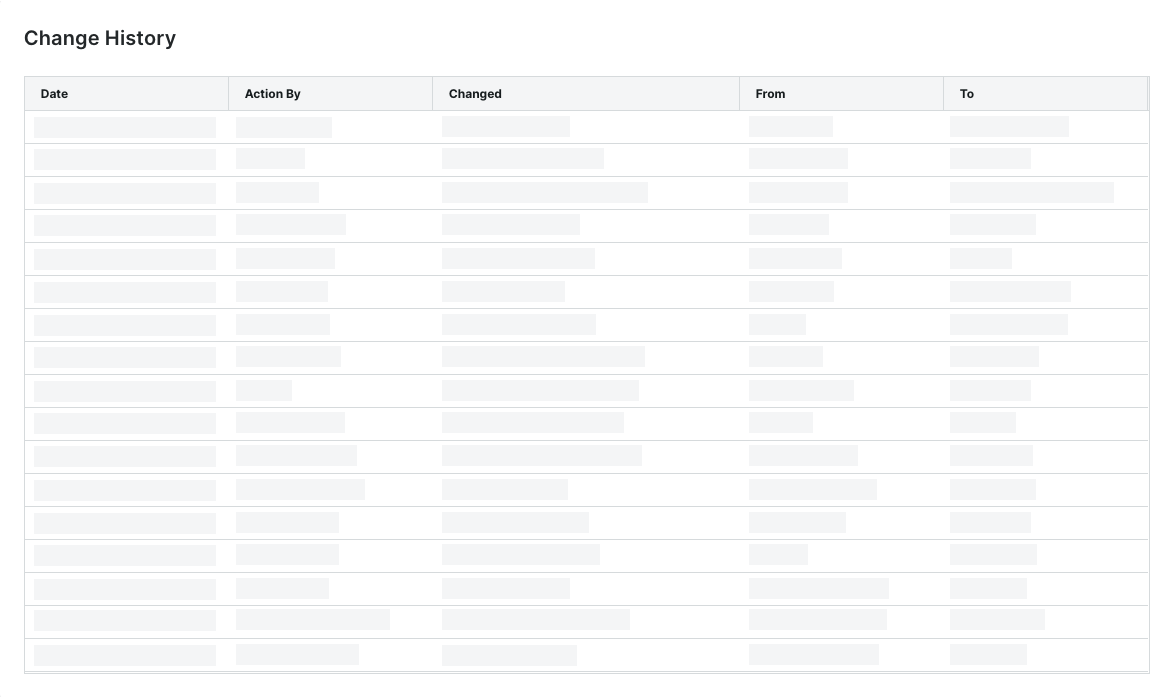
Click the Change history link. This opens the Change History page.
Only a payment admin has access to view the payment tool's change history. The table on the change history page logs the actions performed by payment admins and payment disbursers with the Company level payment tool. For step-by-step instructions, see View the payment tool change history.