Configurez-le
Now that you've learned about distributing documents through the Correspondence tool, you're ready to complete the following actions in Procore:
Créer un type de correspondance
Créer et appliquer un ensemble de champs de correspondance à un projet
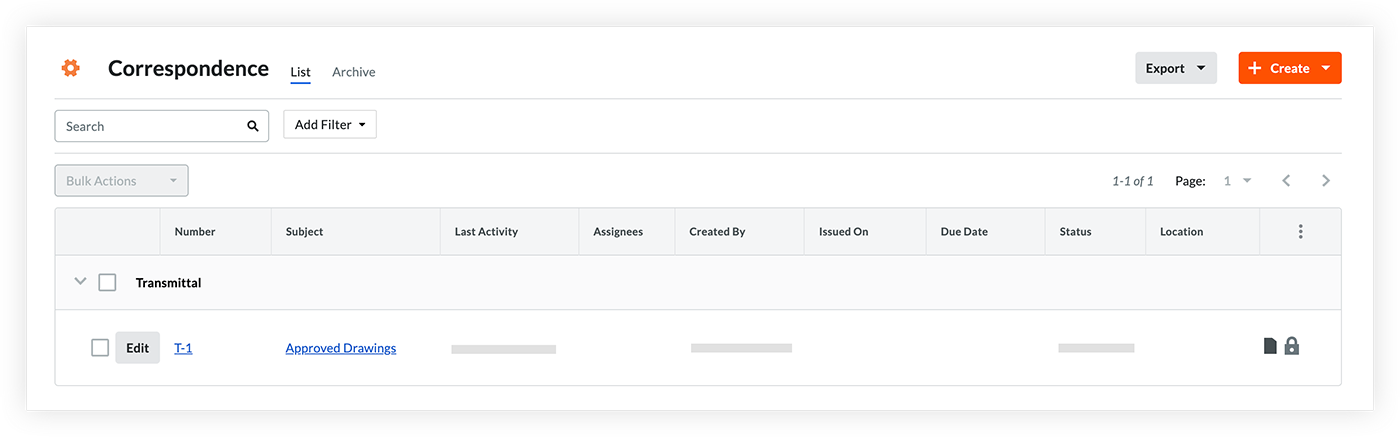
Créer un document de correspondance
Note:
If you've already set up the Correspondence tool for your project in Procore, you can skip the first two action items.
The Correspondence tool will not show in a project until at least one correspondence type has been created and a fieldset for at least one correspondence type has been applied to the project.
1. Create a Correspondence type
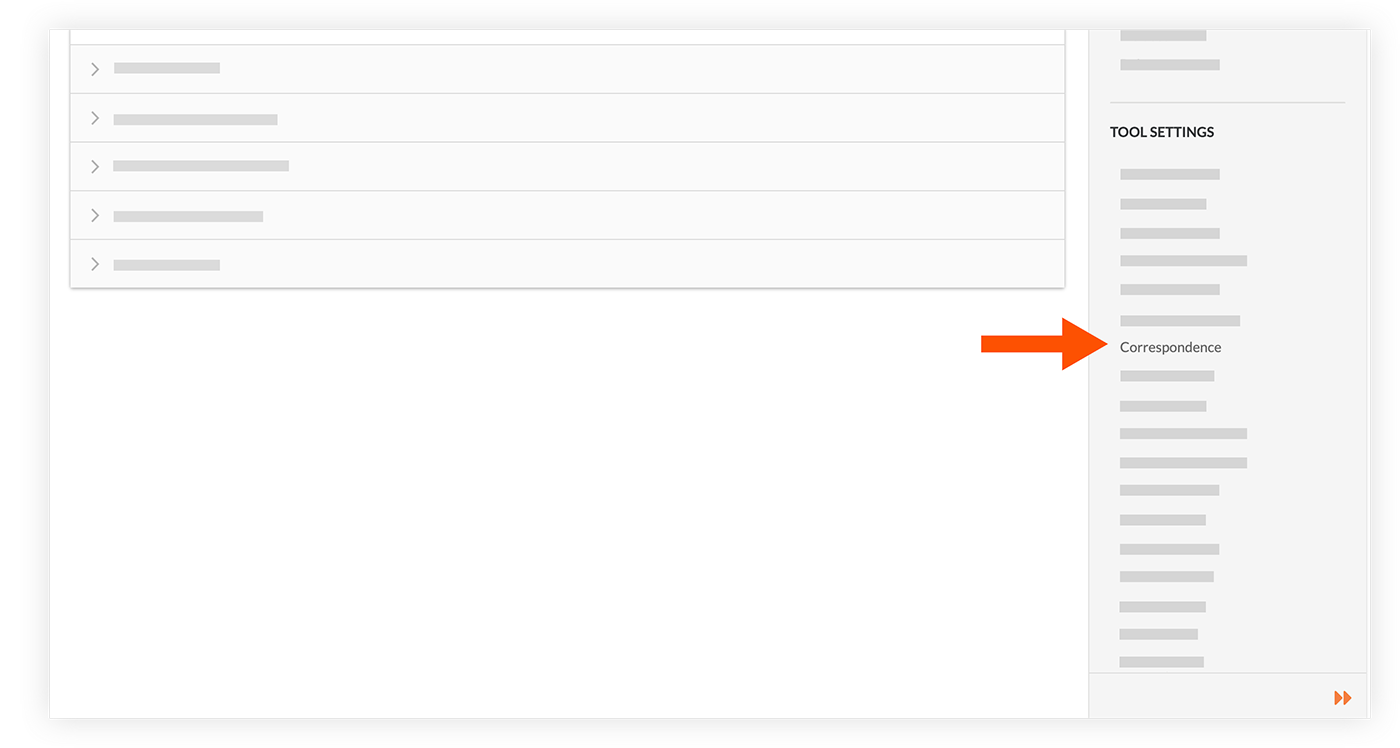
On the Correspondence page of the Company level Admin tool (under Tool Settings), create a correspondence type.
2. Create and Apply a Correspondence fieldset to a Project
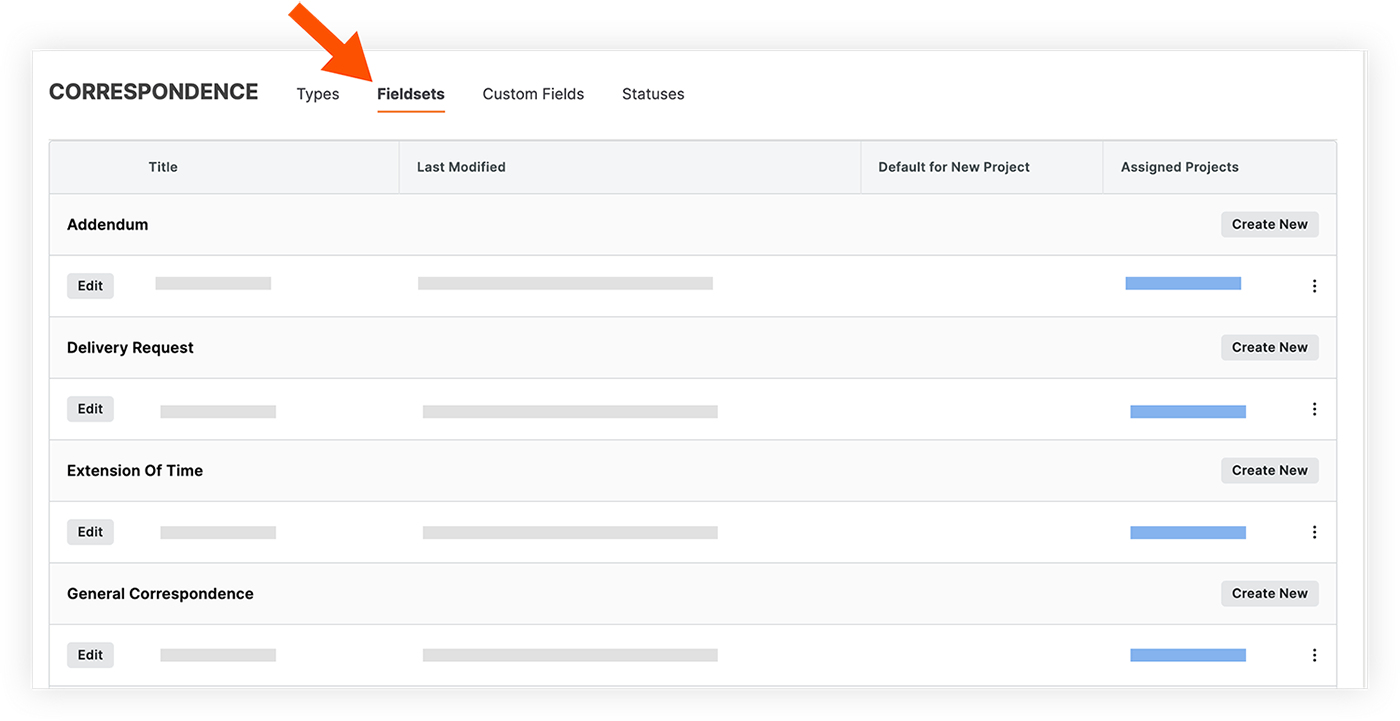
On the 'Fieldsets' tab of the Correspondence page in the Company level Admin tool, create a new fieldset or edit an existing one. In the 'Assigned Projects' link for the fieldset, choose the projects that you want to apply the Correspondence fieldset to.
3. Create a Correspondence item
In the Correspondence tool for the project, create one or more correspondence items that you'll use to share files from the Document Management tool.