Tutorials
Procore Model Manager - Beta Access & Feedback
The Model Manager (Beta) tool is exclusively available to registered beta participants. It is not available through Procore Explore. To learn more, see Beta Participant Guide.
Procore is finalizing functionality and documentation for general availability in the UK and Ireland (UKI). Please check back here for updates.
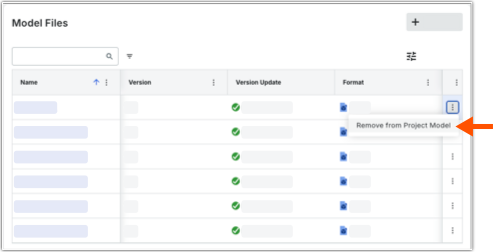
 More and choose Remove from Project Model.