Follow these steps to add object links to items from supported Procore tools to your model.
Navigate to the Model Manager (Beta) tool.
Open a model.
Select one or multiple objects in the 3D model:
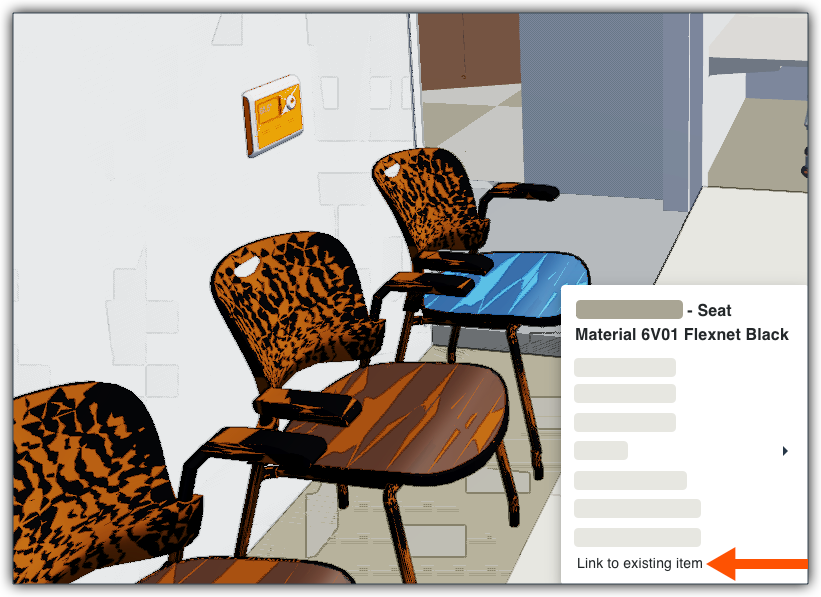
To select one object, right-click it and choose Link to Existing Item from the menu. 
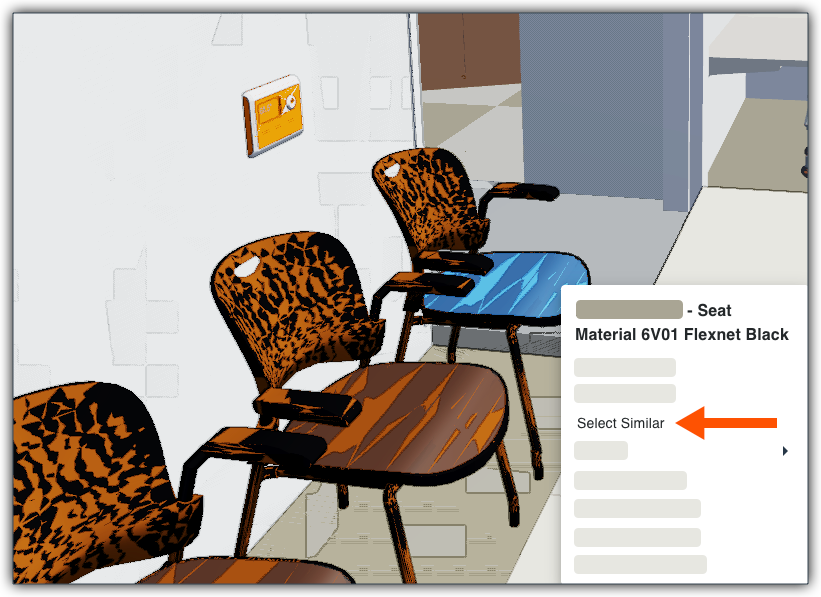
To select multiple objects, right-click one object and choose Select Similar to highlight all identical items in the model. Next, right-click again and then choose Link to Existing Item from the menu. 
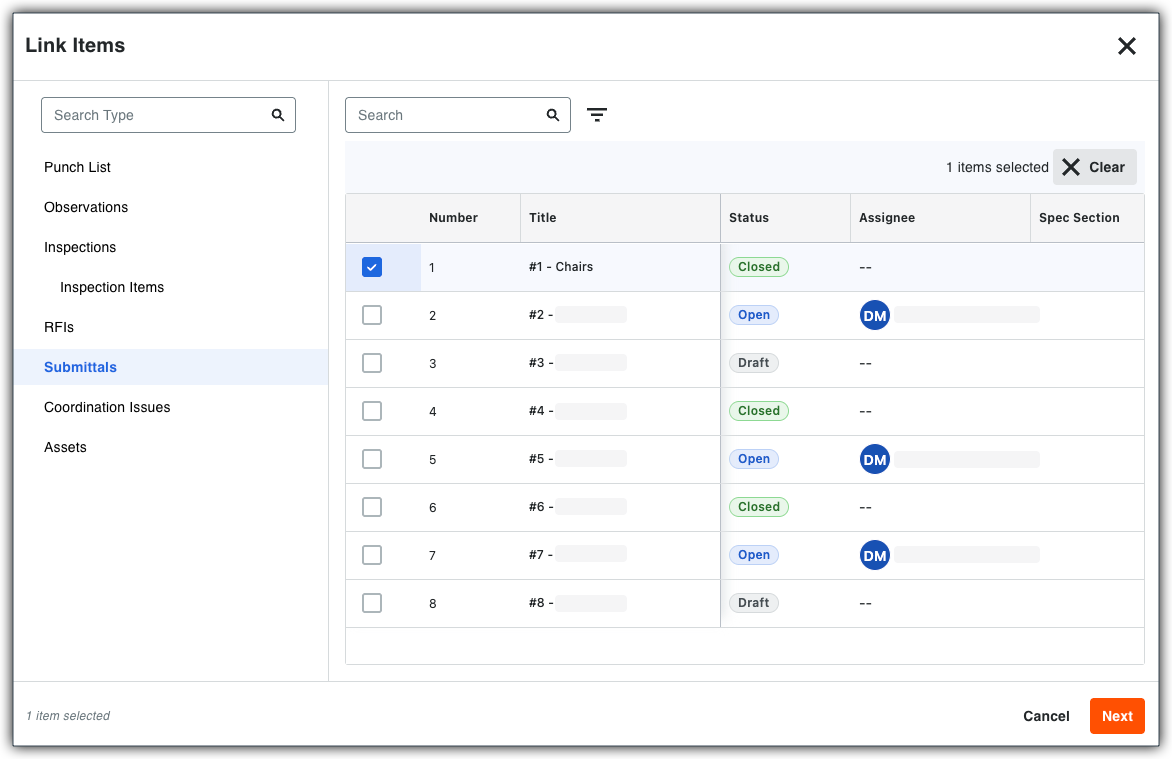
In the Link Items window, select a supported Procore tool in the left pane. A list of corresponding records appear.
Select the specific inspection record to attach. You can only select one (1) record at a time. 
Click Next.
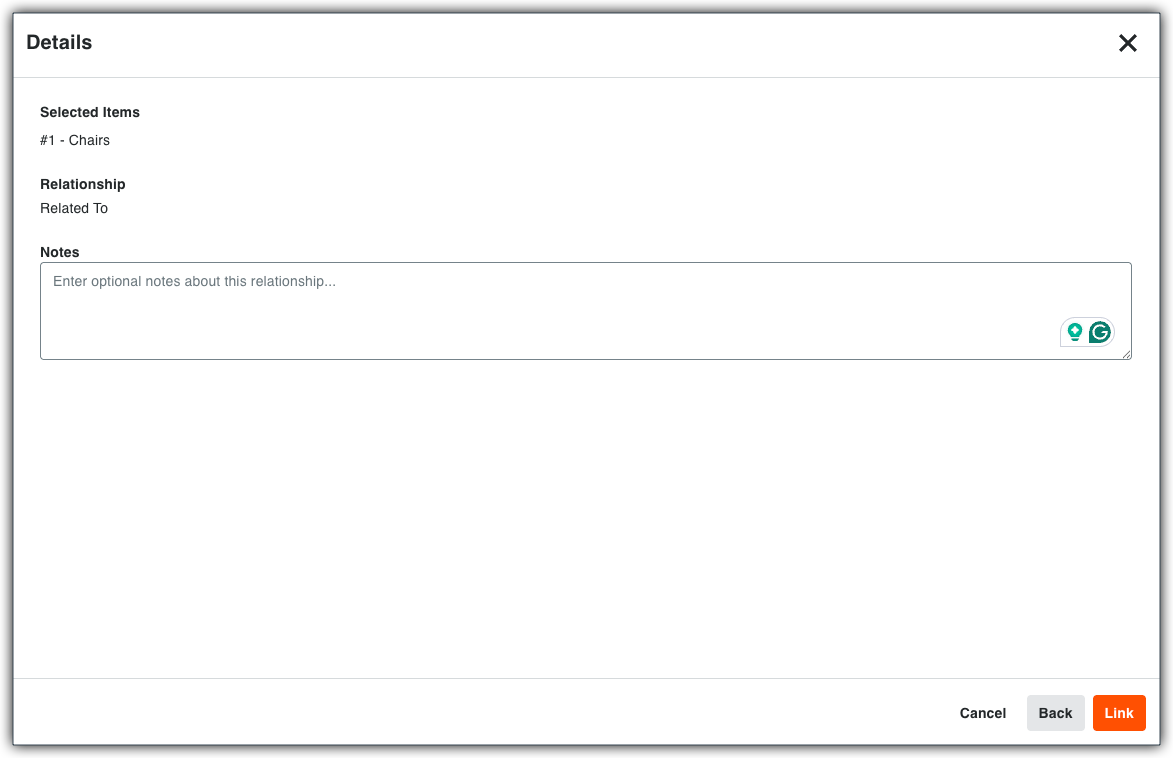
In the Details window, enter any optional notes about the model objects you selected as the item link. 
When finished, click Link.